

All Email Access - One App for All Your Email Accounts
10M+
downloads
4.4 stars
(70.2K reviews)
4.6 stars
(662 reviews)
50M+
downloads
All Email Access – Manage Multiple Email Accounts in One App
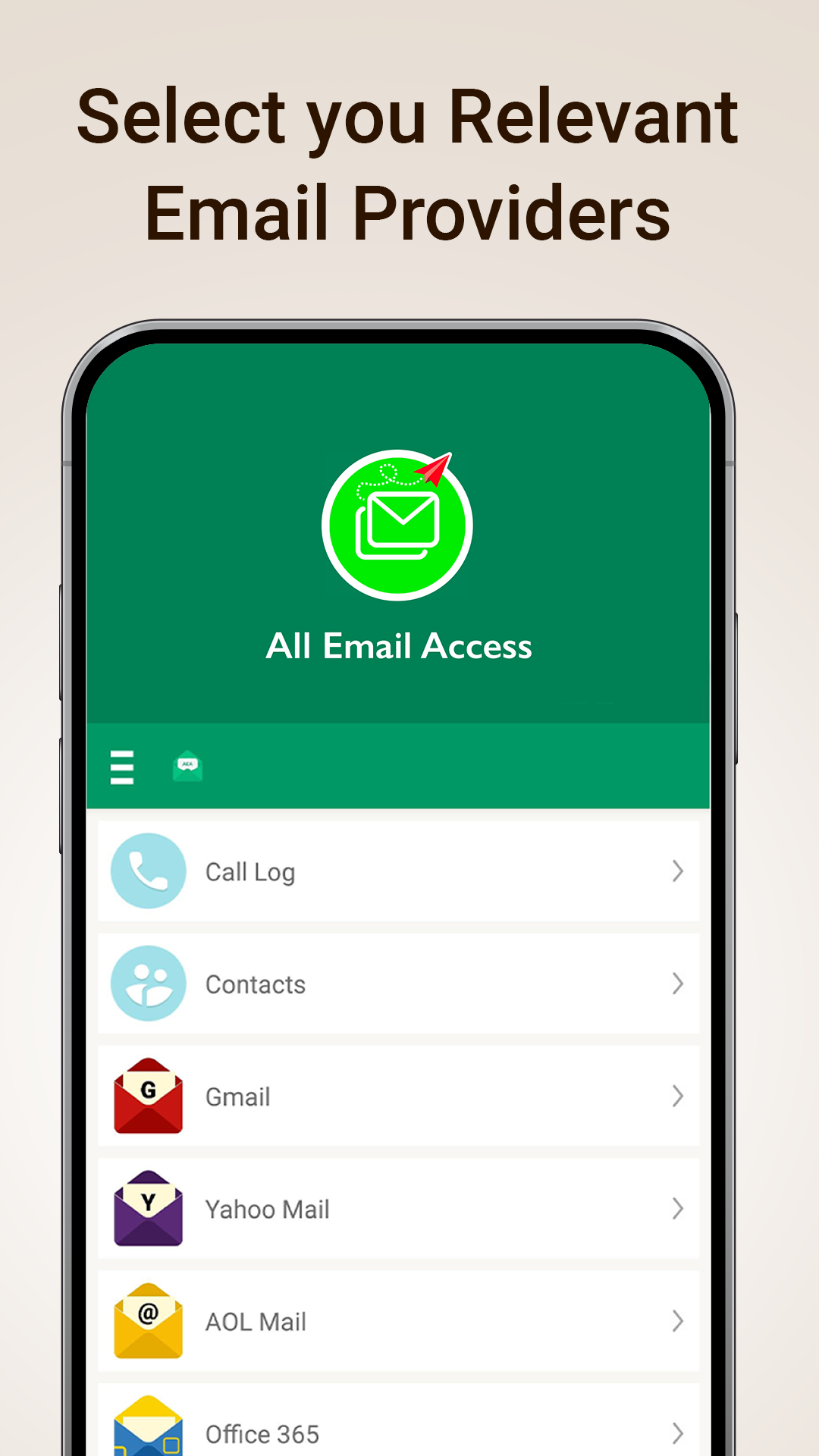
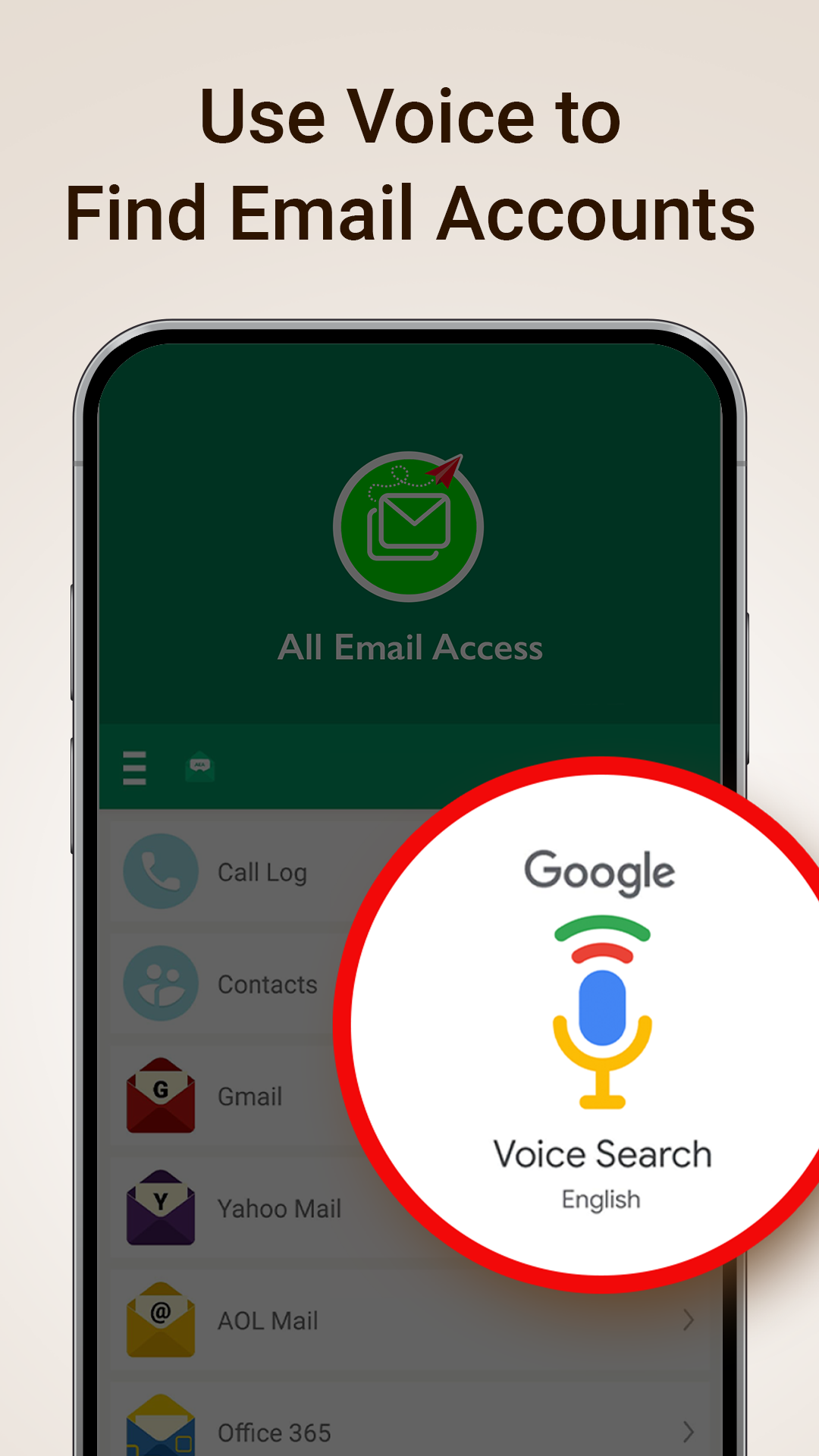
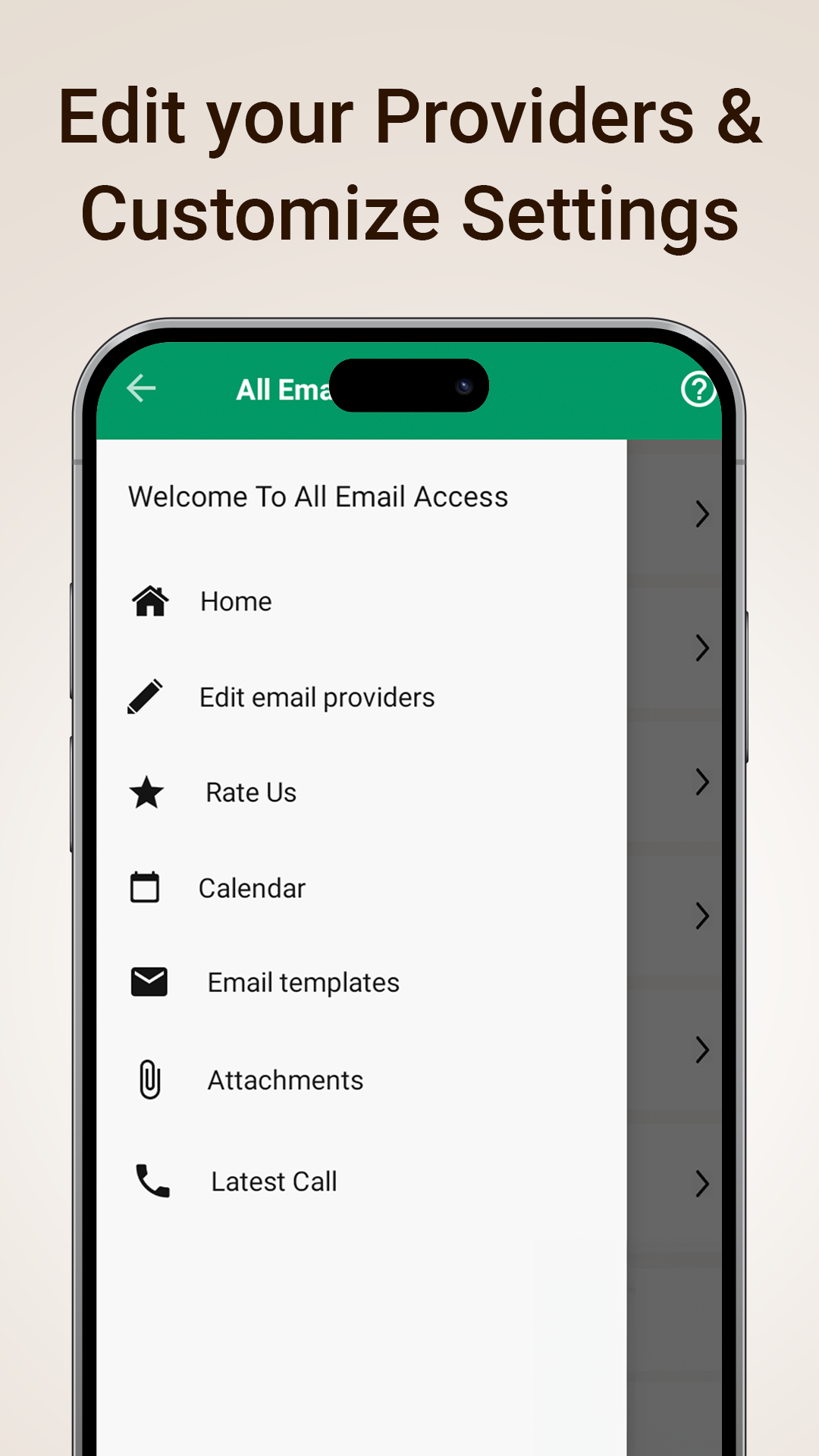
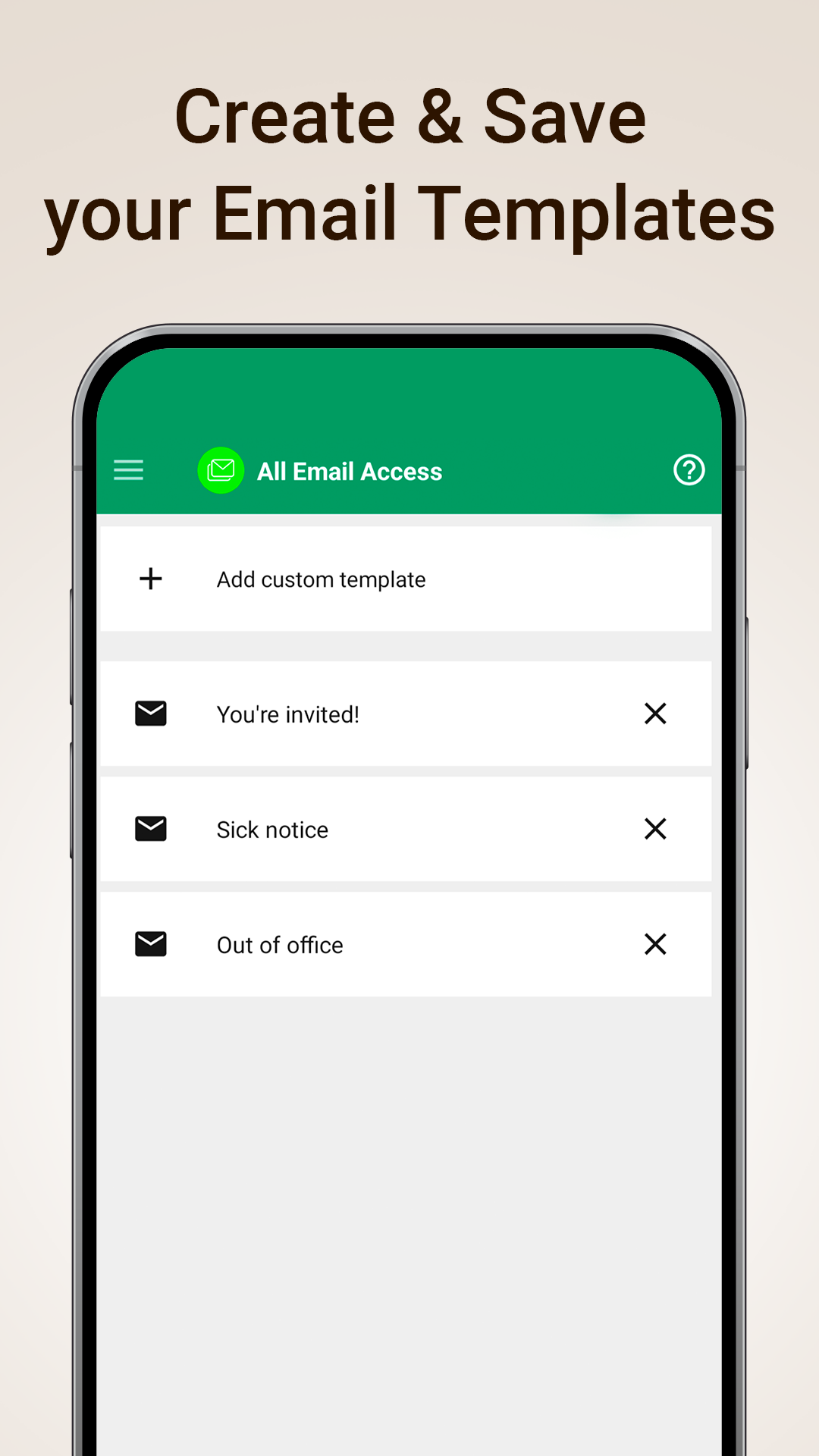
All Email Access helps you manage multiple email accounts from a single inbox. Instead of switching between different email apps, you can access work email, personal email, and other inboxes in one convenient place.
Whether you use email for business communication, online shopping, travel bookings, bills, appointments, or everyday conversations, All Email Access makes email management simpler and faster.
Why Use All Email Access?
Many people have several email accounts. One
account may be used for work, another for personal communication, and others for subscriptions, receipts, online services, or school.
Managing multiple inboxes separately can be time-consuming and lead to missed messages.
All Email Access brings your email accounts together in one easy-to-use app so you can:
- Access multiple email accounts from one place
- Check your inbox faster
- Send and reply to emails quickly
- Find attachments easily
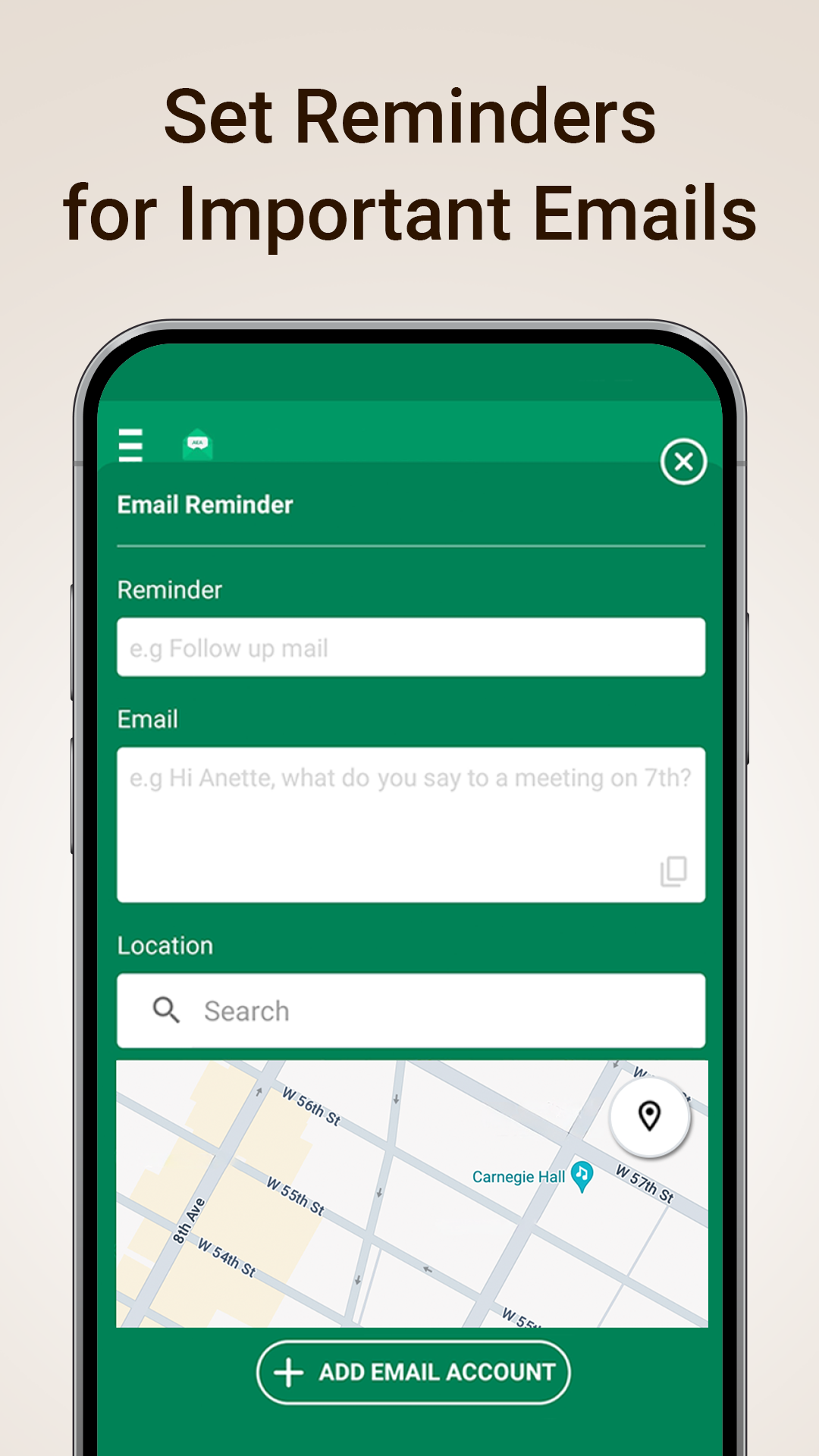
- Create reminders for important messages
- Stay organized with calendar tools
- Continue communication after phone calls
Key Features
Unified Inbox for Multiple Email Accounts
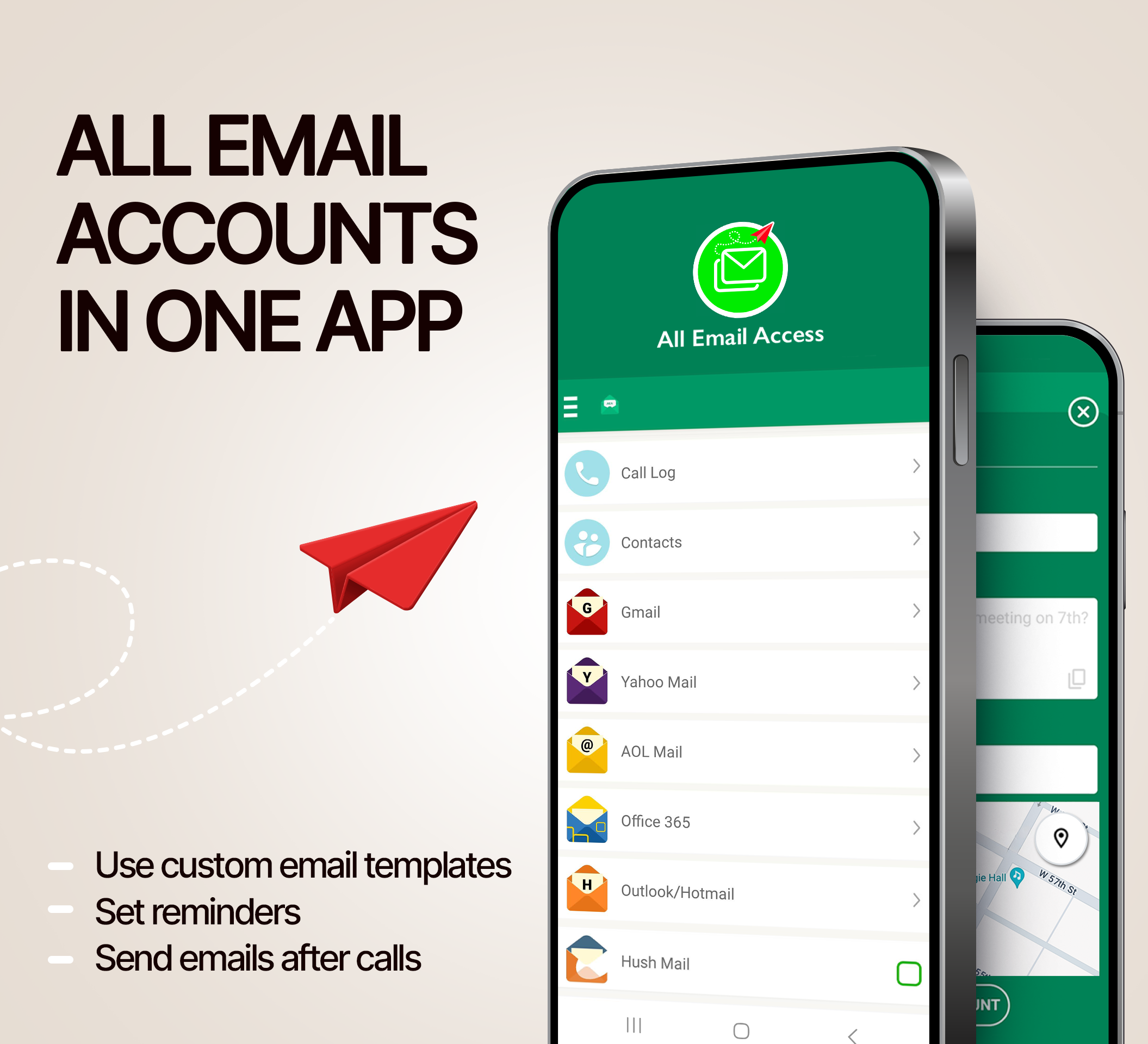
Manage multiple email accounts without constantly switching between apps. View and access your email accounts from one central location and keep your communication organized.
Fast Email Access
Open your inbox, read messages, and respond quickly. All Email Access is designed to help you stay connected without unnecessary steps.
Email After Calls
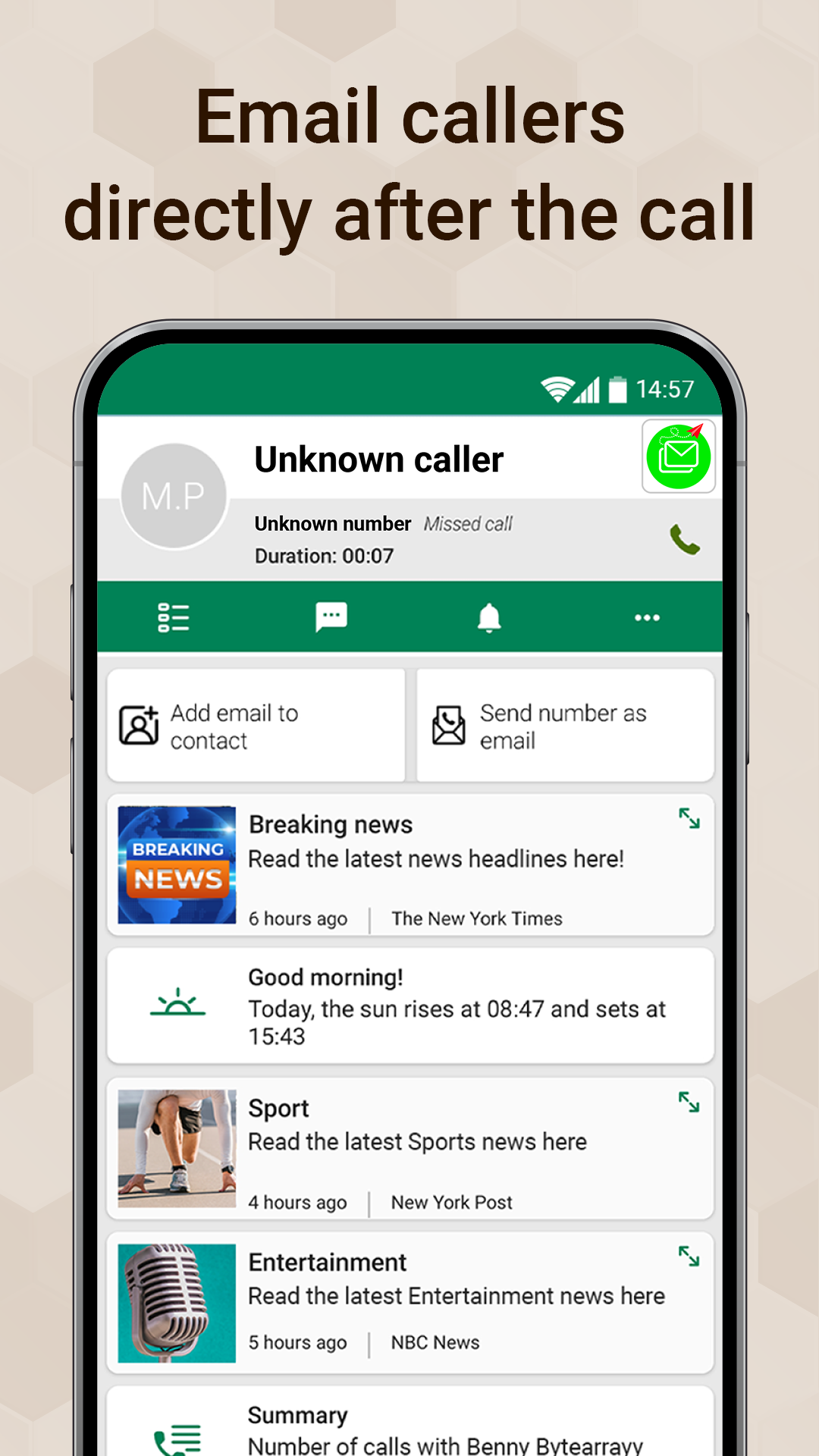
Need to follow up after a phone call? The app provides quick access to useful email options after a call ends, making it easier to continue conversations and send follow-up emails.
Smart Caller Information
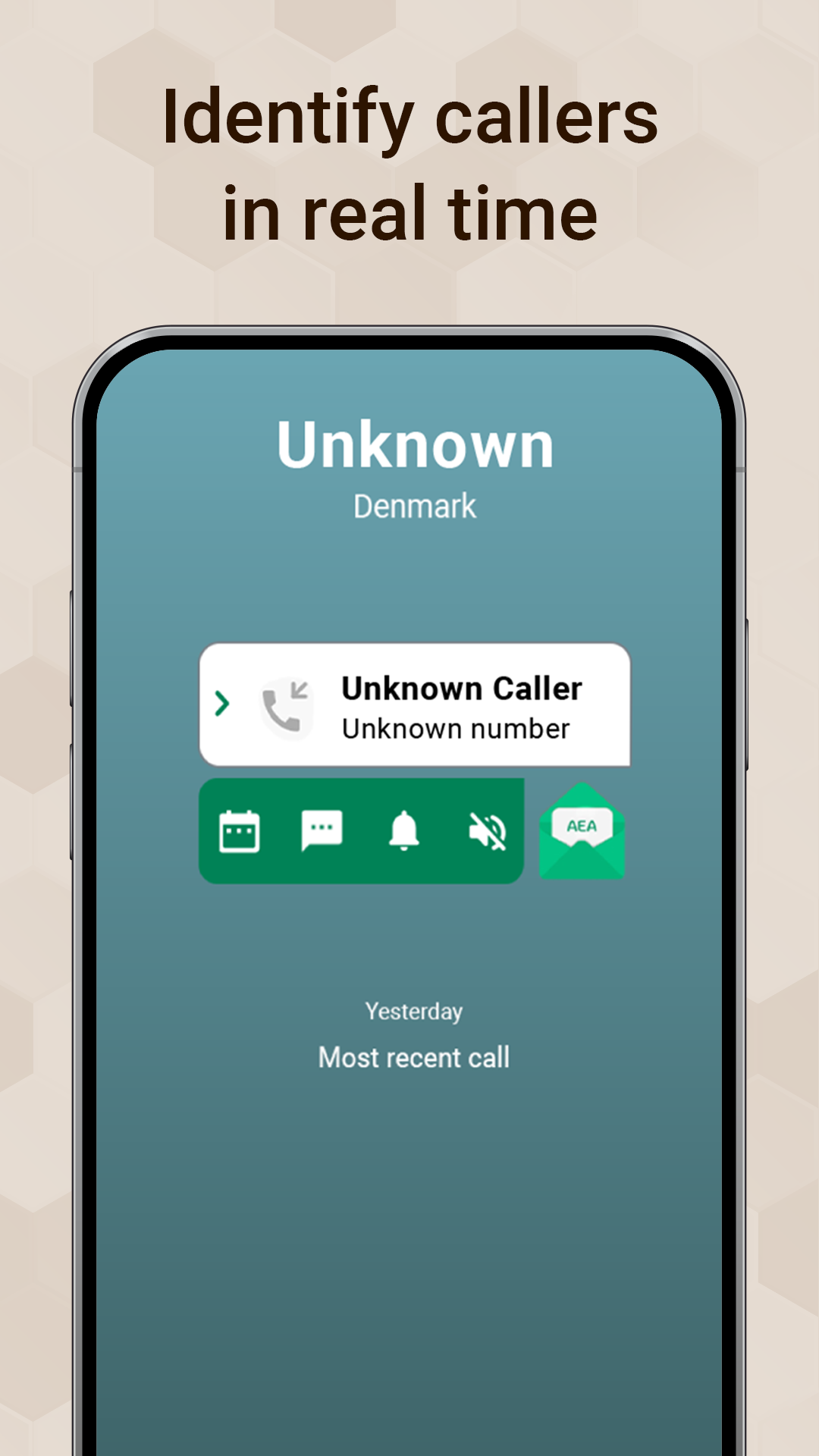
View helpful call details and identify callers more easily while managing your communication from one app.
Email Reminders
Never forget an important email. Create reminders for follow-ups, tasks, appointments, and messages that require action later.
Calendar Integration
Stay organized with built-in calendar tools that help you manage events, appointments, and important dates alongside your email activity.
Easy Access to Email Attachments
Quickly find downloaded email attachments in one location. Access documents, files, receipts, and other attachments without searching through multiple folders.
Email Templates
Save time by using pre-built email templates for common responses and everyday communication.
How All Email Access Works
Getting started is simple:
- Choose your email provider.
- Sign in to your email account.
- Add additional email accounts if needed.
- Access all your inboxes from one app.
From the home screen, you can quickly open your email accounts, create reminders, manage attachments, access templates, and organize your schedule.
Who Is All Email Access For?
All Email Access is designed for anyone who uses multiple email accounts, including:
- Professionals managing work and personal email
- Freelancers and business owners
- Students with school and personal accounts
- Frequent travelers
- Online shoppers tracking receipts and orders
- Anyone looking for a simpler email experience
Benefits of Using an All-in-One Email App
Using a unified email app can help you:
- Reduce time spent switching between inboxes
- Stay organized across multiple accounts
- Respond to messages more efficiently
- Keep track of important attachments
- Remember follow-ups and tasks
- Improve communication management
What is All Email Access?
All Email Access is an email management app that allows users to access and manage multiple email accounts from a single app.
Can I manage multiple email accounts?
Yes. The app is designed to help users access and manage multiple email accounts in one place.
Can I find my downloaded email attachments?
Yes. All Email Access includes an attachments folder that helps you locate downloaded files more easily.
Does the app include reminders?
Yes. You can create reminders for important emails, follow-ups, and tasks.
Why use a unified email app?
A unified email app simplifies email management by bringing multiple inboxes together, reducing app switching and helping users stay organized.
Ratings and reviews from Google Play
⭐⭐⭐⭐⭐
⭐⭐⭐⭐⭐
⭐⭐⭐⭐⭐
⭐⭐⭐⭐⭐