
Call Block: Filter and Blocker
5M+
downloads
4.4 stars
(20.8K reviews)
4.6 stars
(662 reviews)
50M+
downloads
Block Spam Calls and Take Control of Your Phone
Call Block: Filter and Blocker helps you reduce unwanted interruptions by blocking spam calls, robocalls, telemarketers, and unknown numbers. With caller ID and call filtering tools, you can see who’s calling, identify suspicious numbers, and decide which calls deserve your attention.
Whether you’re tired of spam calls, scam attempts, or persistent telemarketers, Call Block gives you the tools to manage incoming calls and stay focused on what matters.
Why Use Call Block?
Unwanted calls can interrupt work, family time, meetings, and everyday activities. Many spam calls are harmless annoyances, while others may attempt fraud or scams.
Call Block helps you:
- Block spam calls and robocalls
- Identify unknown callers
- Reduce interruptions from telemarketers
- Avoid potential scam calls
- Create a personal blacklist
- Manage unwanted numbers easily
- Stay focused without constant distractions
Key Features
Block Spam Calls
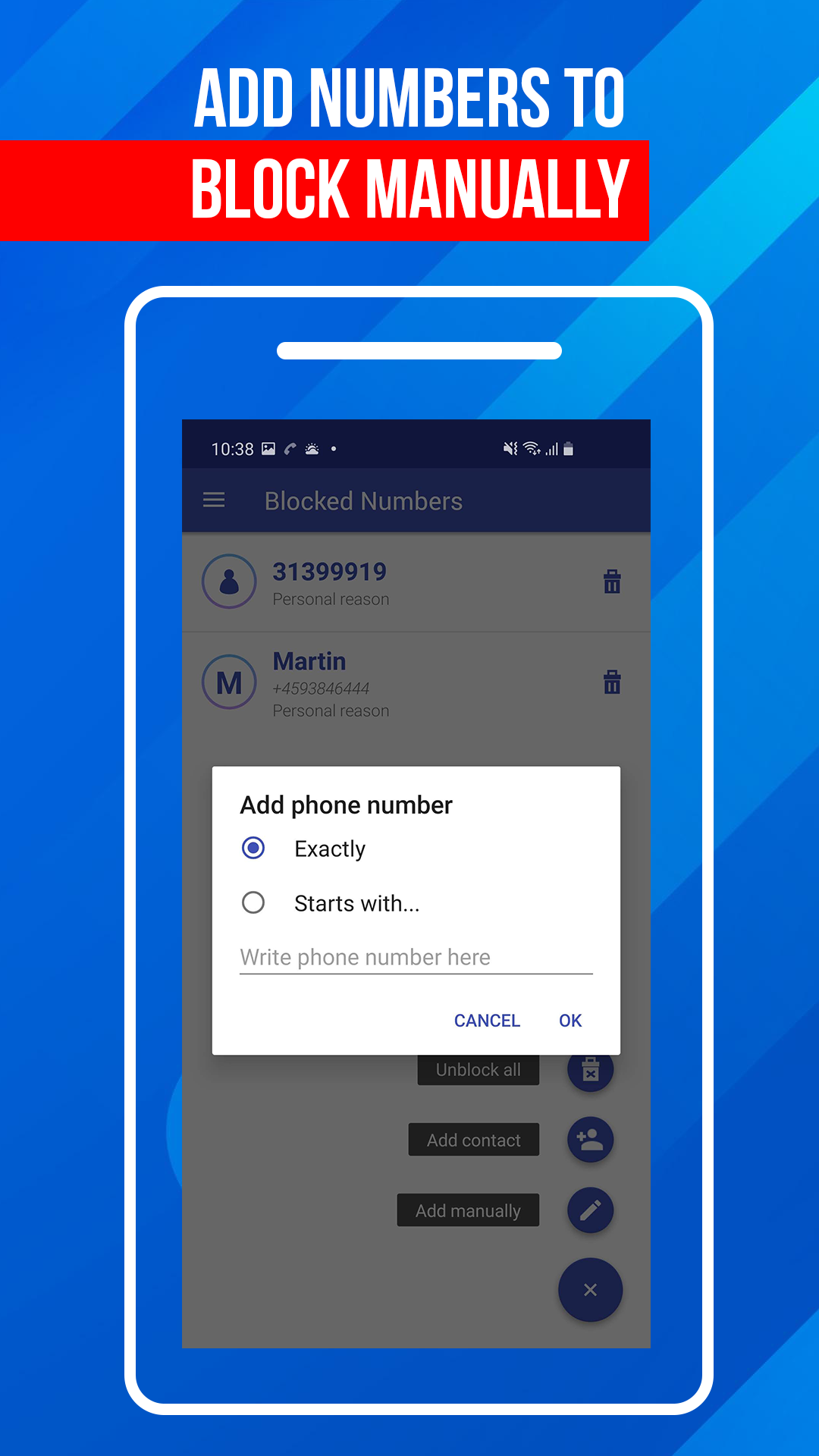
Stop unwanted calls before they disrupt your day. Add numbers to your blacklist and automatically prevent future calls from reaching you.
Caller ID for Unknown Numbers
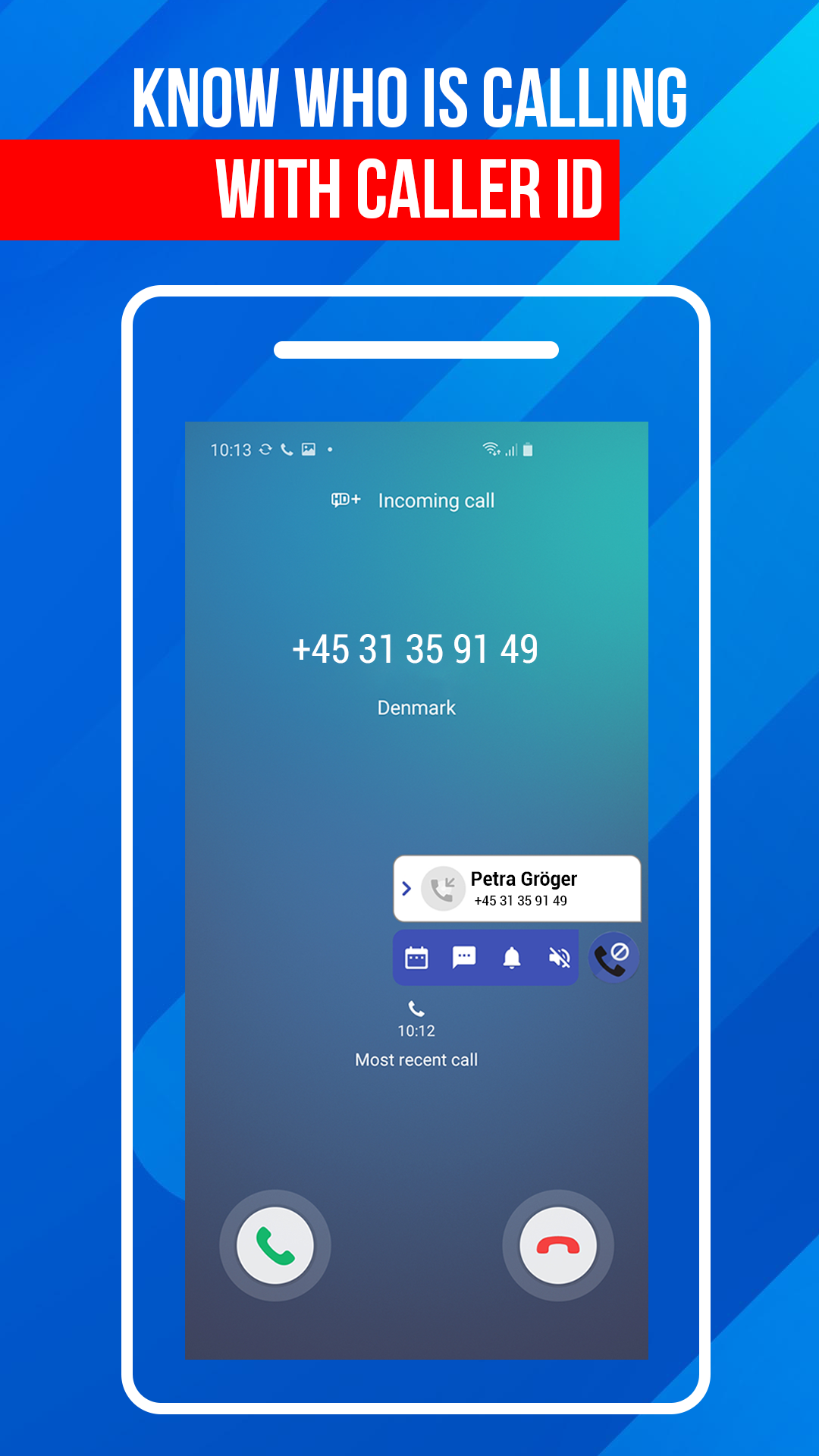
Know who’s calling before you answer. Caller ID helps identify incoming callers, including numbers that are not saved in your contacts.
Personal Blacklist Management
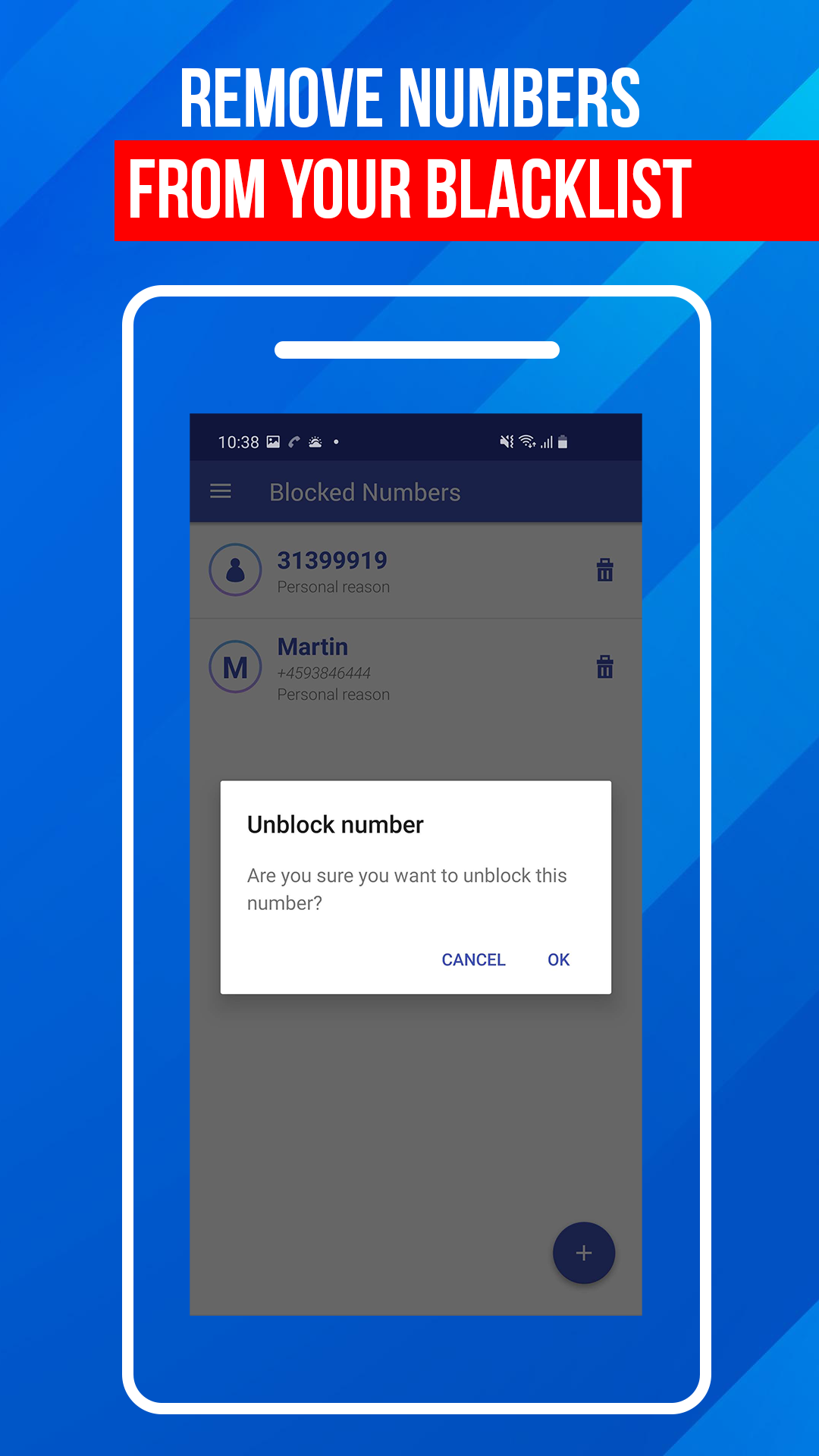
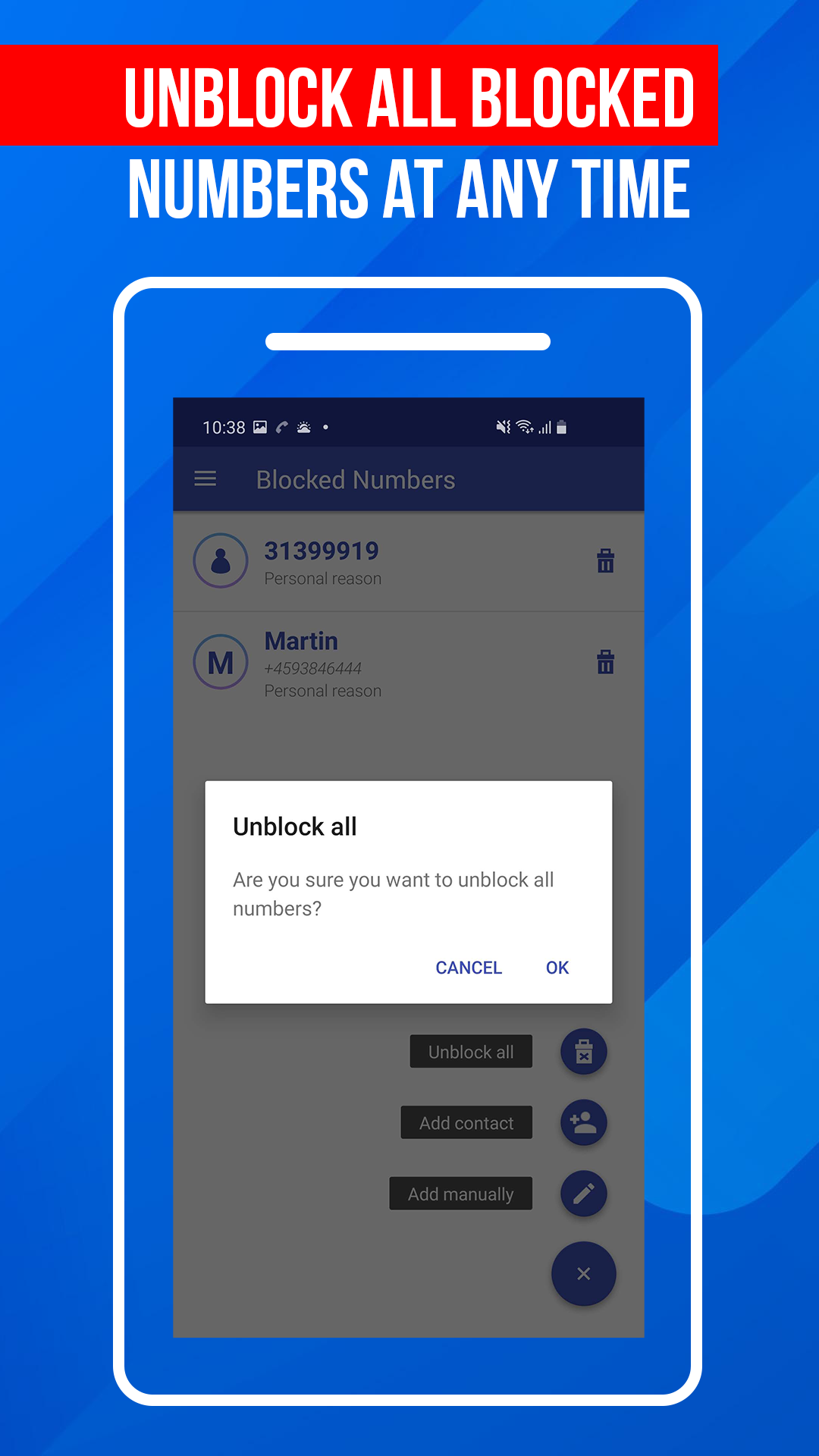
Create and manage your own blacklist of blocked numbers. Add, remove, and update entries whenever needed.
Block Robocalls and Telemarketers
Reduce unwanted sales calls, automated robocalls, and other nuisance callers by blocking them with a single tap.
After Call Screen
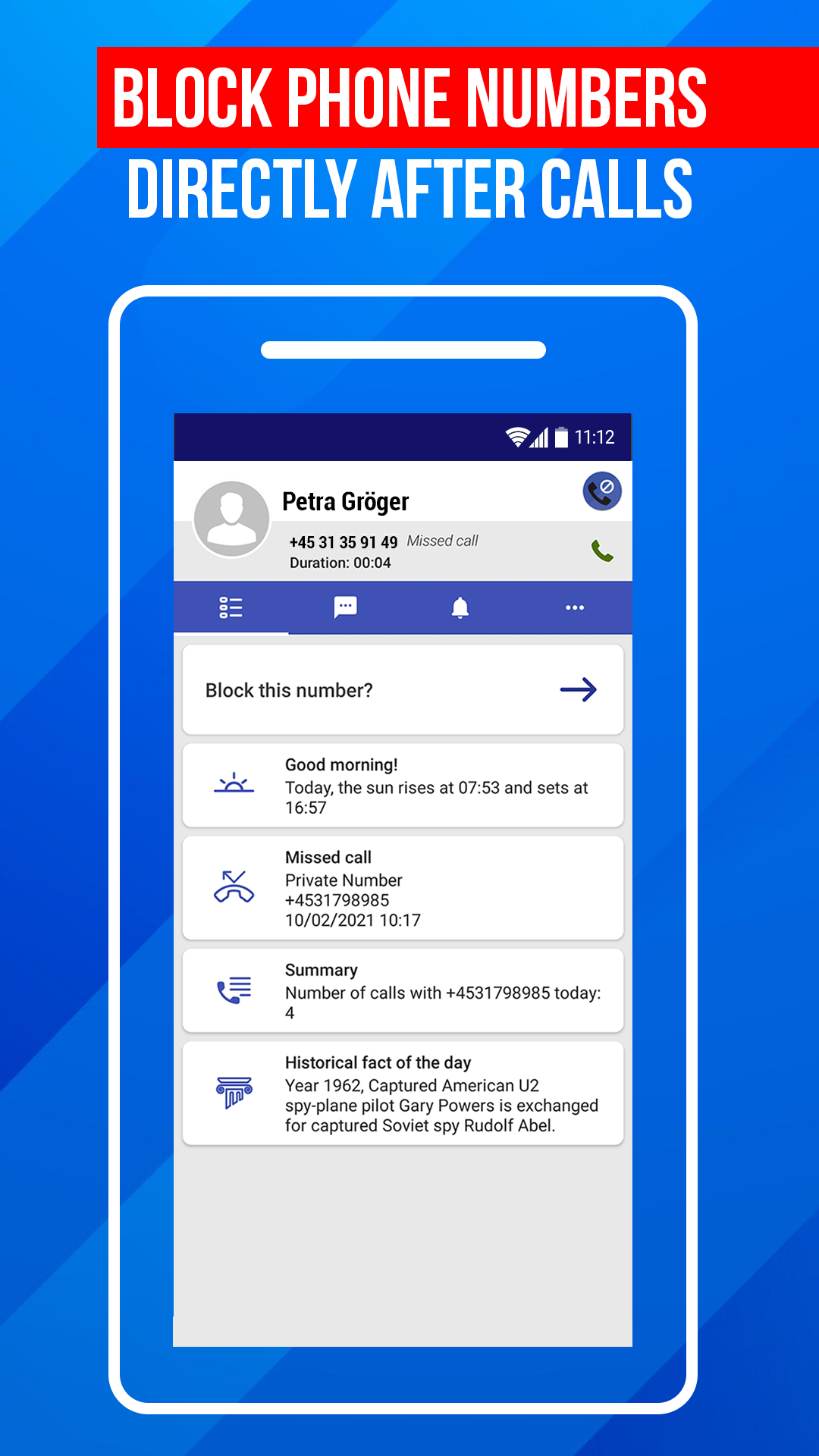
Take action immediately after a call ends. Quickly review caller information, block unwanted numbers, and manage recent call activity without searching through your call history.
Do Not Disturb Mode
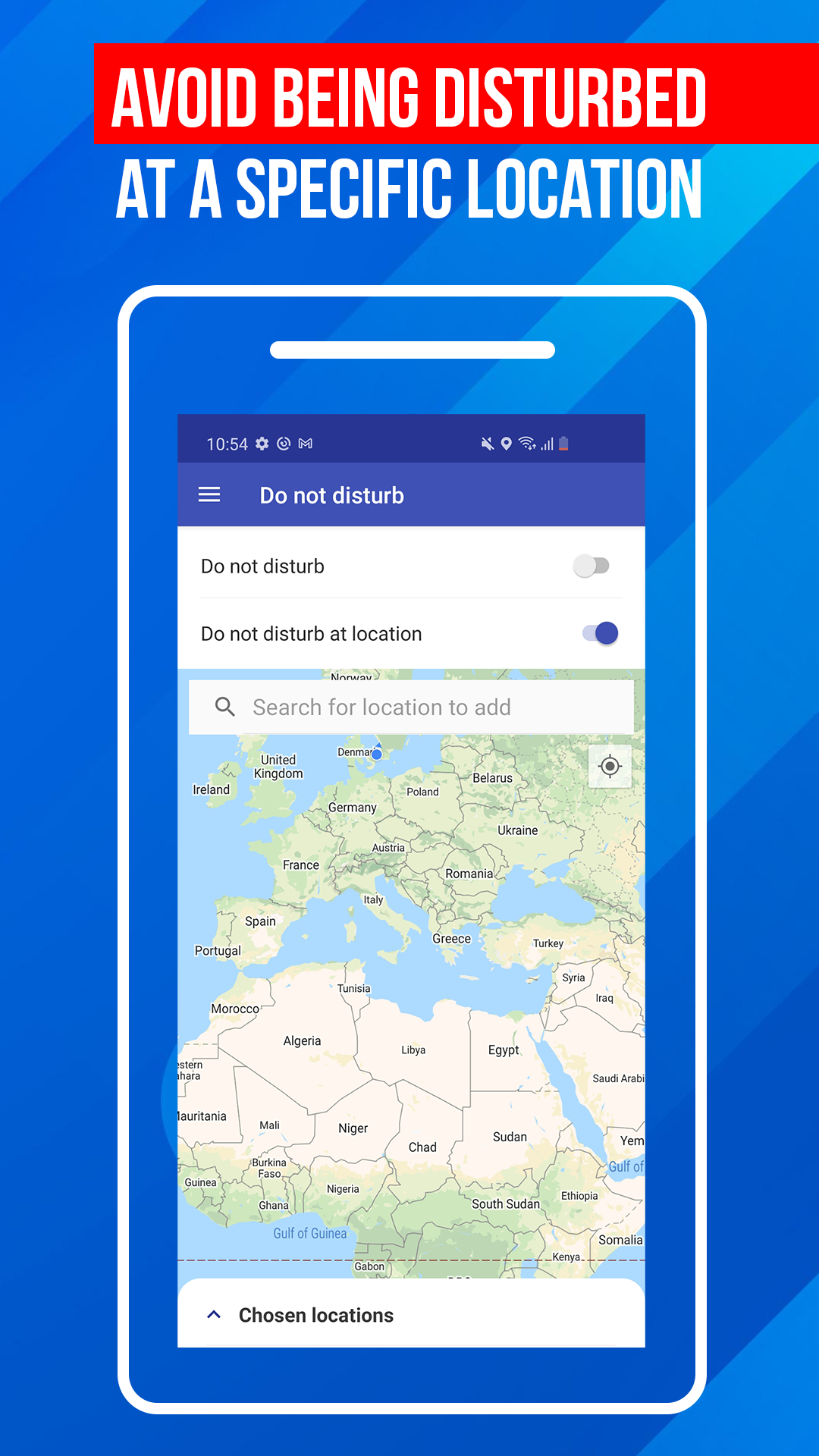
Need uninterrupted time? Enable Do Not Disturb mode to temporarily block incoming calls and minimize distractions.
Call Activity Management
Review recent call activity, manage blocked numbers, and maintain full visibility over your call protection settings.
How Call Block Works
Getting started is simple:
- Install and open the app.
- Add unwanted numbers to your blacklist.
- Enable call blocking features.
- Review call activity and manage blocked contacts whenever needed.
Once a number is blocked, future calls from that number can be filtered automatically, helping reduce interruptions throughout the day.
Caller ID and Spam Call Protection
Unknown numbers can make it difficult to decide whether to answer a call. Caller ID provides additional information about incoming callers, helping you make informed decisions before picking up.
When a suspicious caller appears, you can quickly block the number and add it to your personal blacklist to prevent future interruptions.
Block Numbers with Your Personal Blacklist
Call Block gives you complete control over who can reach you.
You can:
- Block individual phone numbers
- Manage a growing blacklist
- Remove blocked numbers at any time
- Update your settings whenever needed
This flexible approach allows you to customize your call protection based on your preferences.
Fast Blocking After Every Call
The built-in after call screen makes call management faster and more convenient.
After a call ends, you can:
- View caller details
- Review recent activity
- Block unwanted callers instantly
- Access call management tools quickly
This helps you respond to spam calls while the interaction is still fresh in your memory.
Who Uses Call Block?
Call Block is designed for anyone who wants greater control over incoming calls, including:
- Professionals who need fewer interruptions
- Individuals receiving frequent spam calls
- People concerned about scam calls
- Users who want better caller identification
- Anyone looking for a simple call blocker app
Benefits of Using a Call Blocker
A call blocker app can help you:
- Reduce spam call interruptions
- Avoid telemarketers and robocalls
- Identify unknown callers
- Improve productivity and focus
- Gain more control over your phone
- Manage unwanted contacts easily
Frequently Asked Questions
What is Call Block?
Call Block is a call blocking and caller ID app designed to help users reduce spam calls, block unwanted numbers, and manage incoming calls more effectively.
Can I block spam calls?
Yes. You can add unwanted numbers to your blacklist and prevent future calls from reaching you.
Does Call Block include caller ID?
Yes. The app includes caller ID features that help identify incoming callers, including unknown numbers.
Can I manage blocked numbers?
Yes. You can view, add, remove, and update blocked numbers through your personal blacklist.
How does the after call screen work?
After a call ends, the app provides quick access to caller details and call management tools, allowing you to block numbers and review activity instantly.
Can I temporarily stop all incoming calls?
Yes. The app includes a Do Not Disturb mode that can temporarily reduce incoming call interruptions.
Stay Protected from Spam Calls
Spam calls, robocalls, telemarketers, and unknown numbers don’t have to control your day. Call Block: Filter and Blocker helps you identify callers, block unwanted numbers, and manage your incoming calls with confidence.
Download Call Block today and take control of who can reach you.
Ratings and reviews from Google Play
⭐⭐⭐⭐⭐
⭐⭐⭐⭐⭐
⭐⭐⭐⭐⭐
⭐⭐⭐⭐⭐