
Call Blocker – Block Numbers
5M+
downloads
4.6 stars
(48K reviews)
4.6 stars
(662 reviews)
50M+
downloads
Call Blocker – Block Spam Calls and Unwanted Numbers
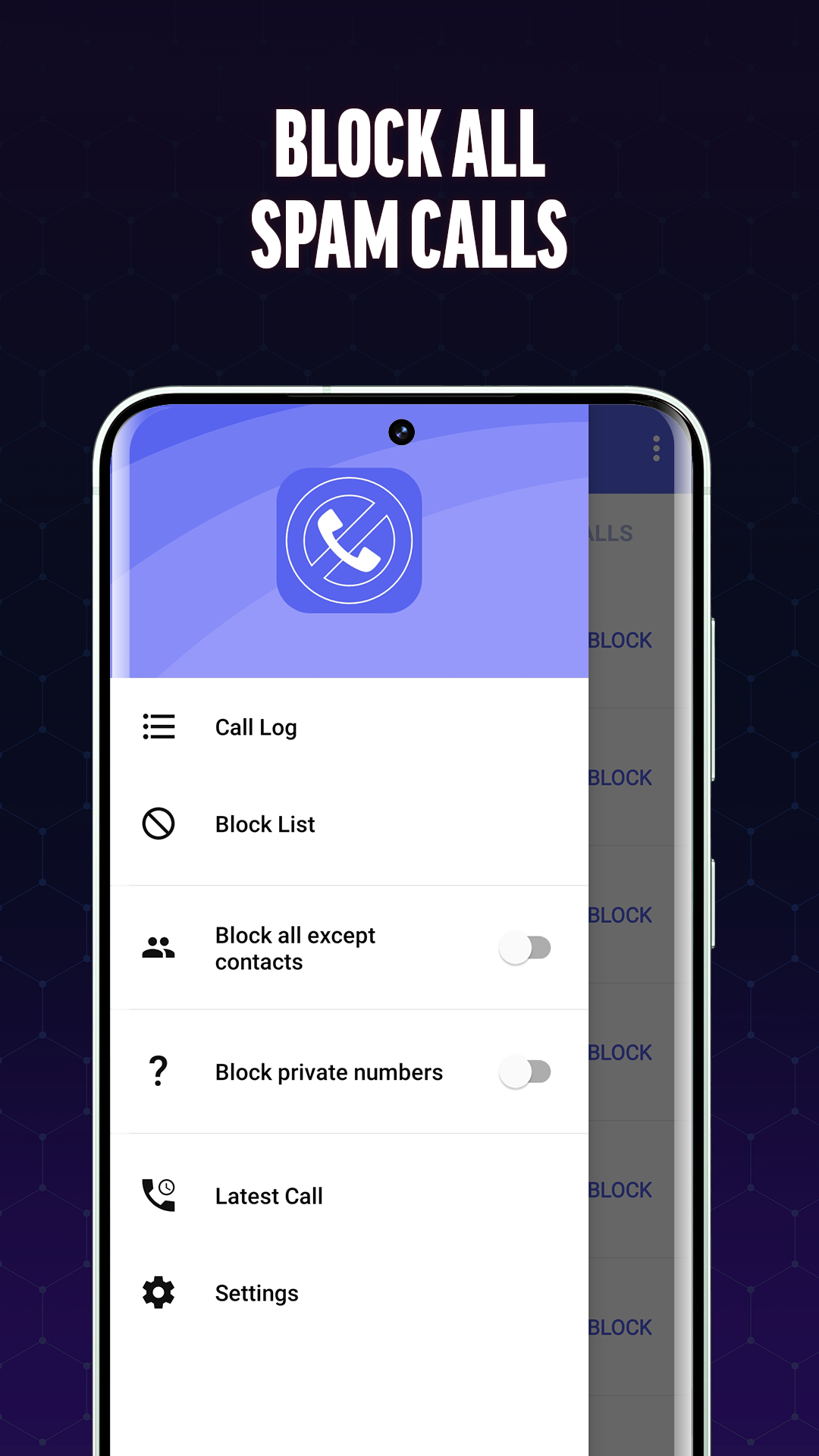
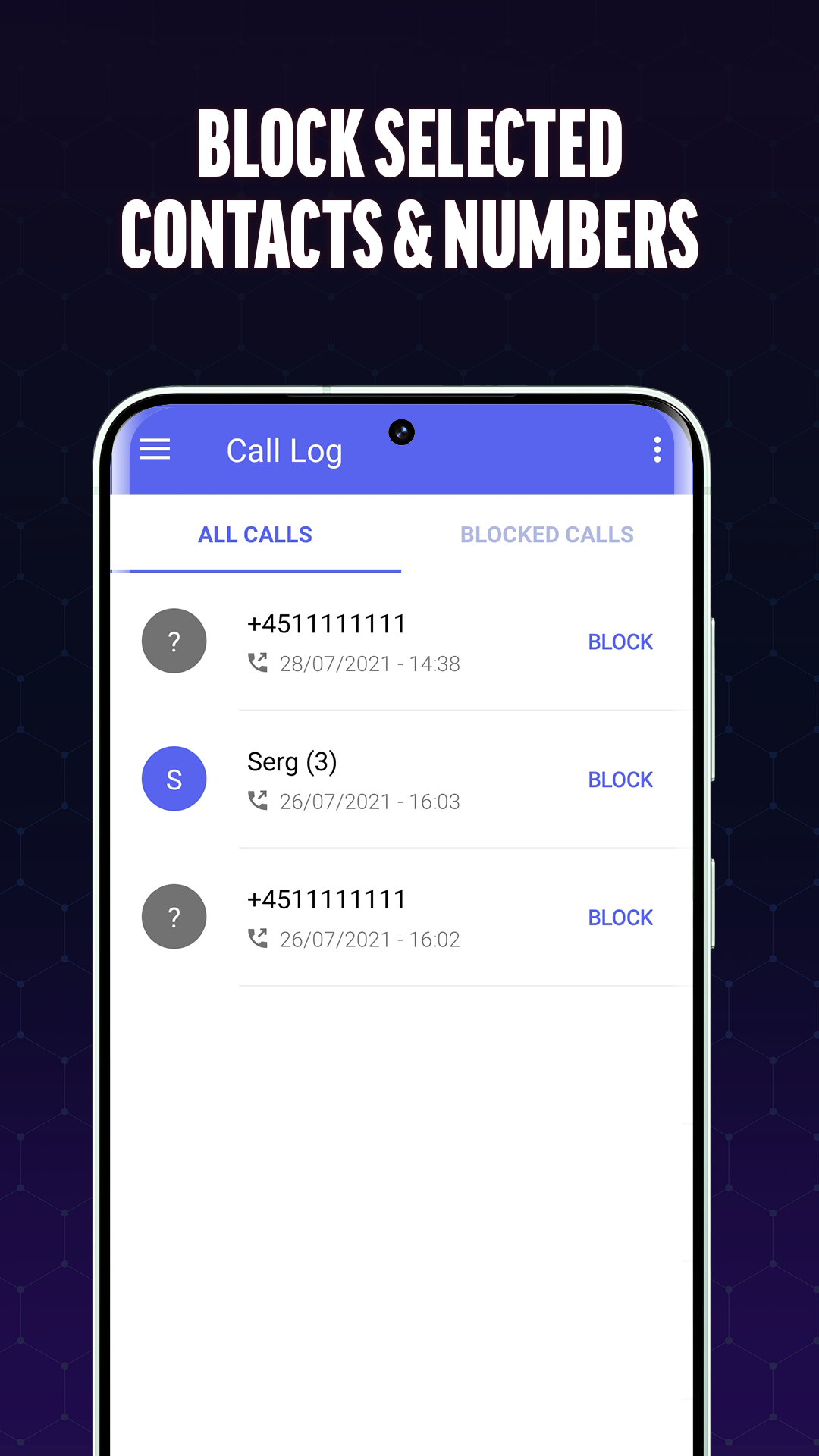
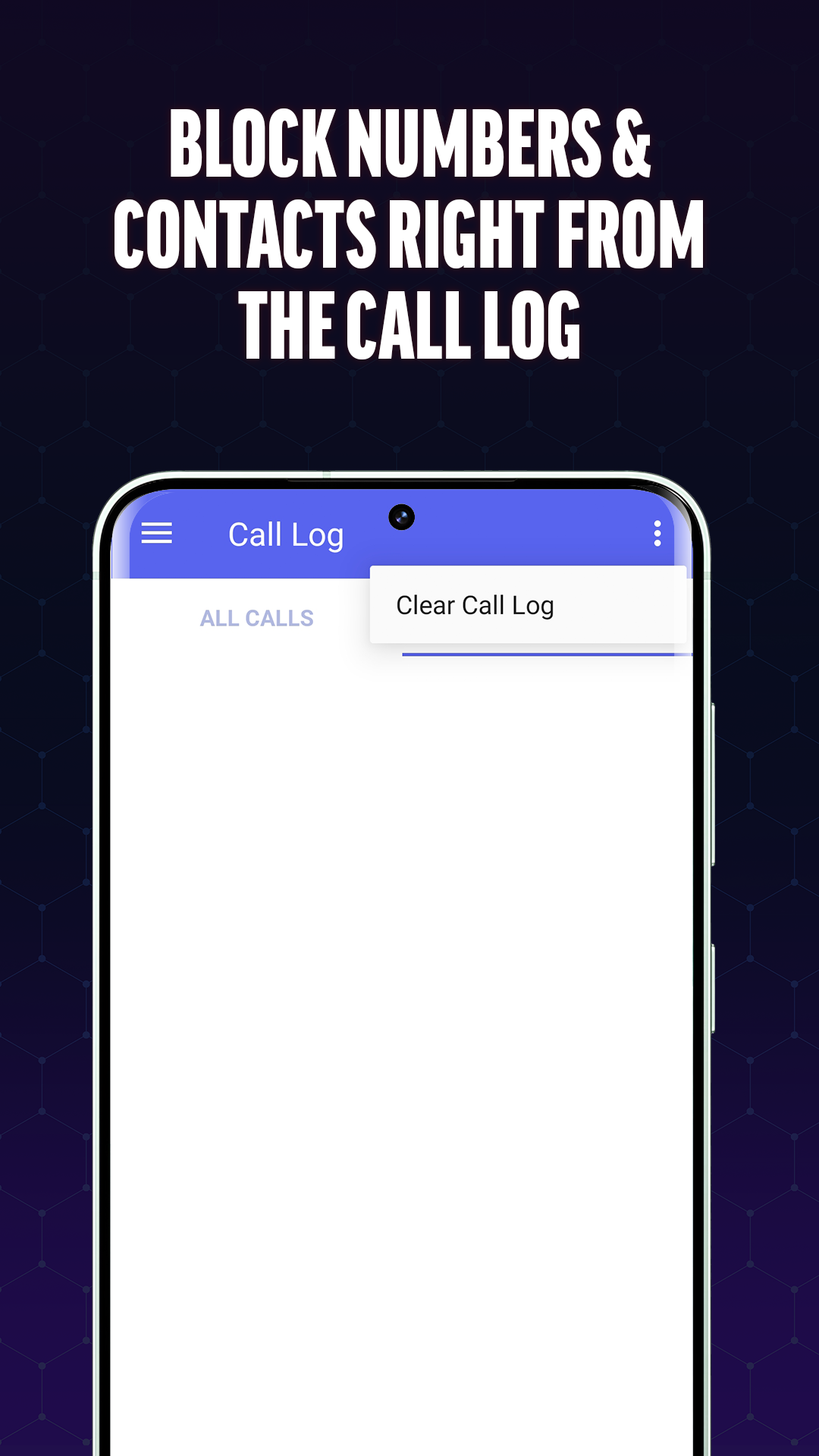
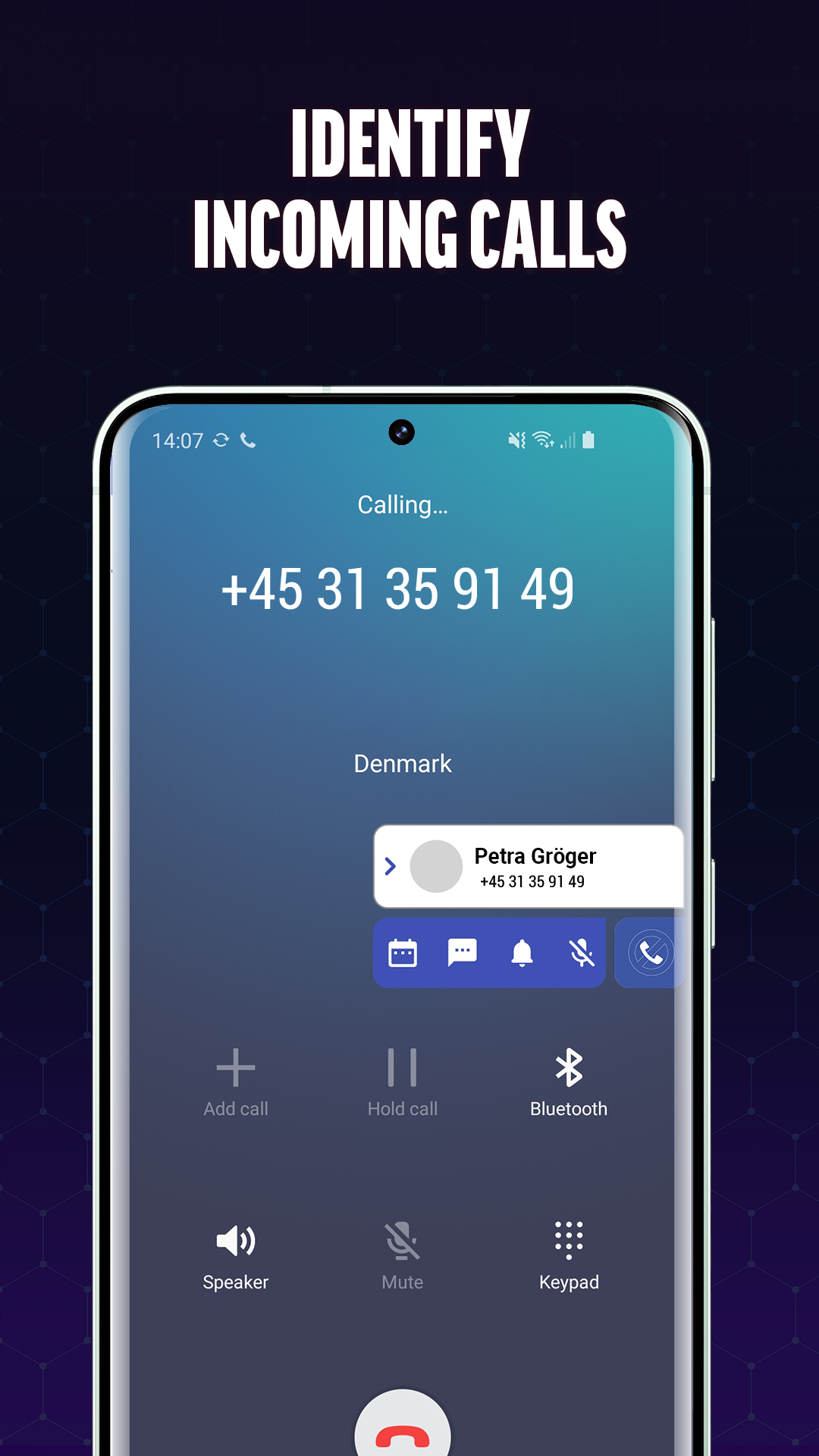
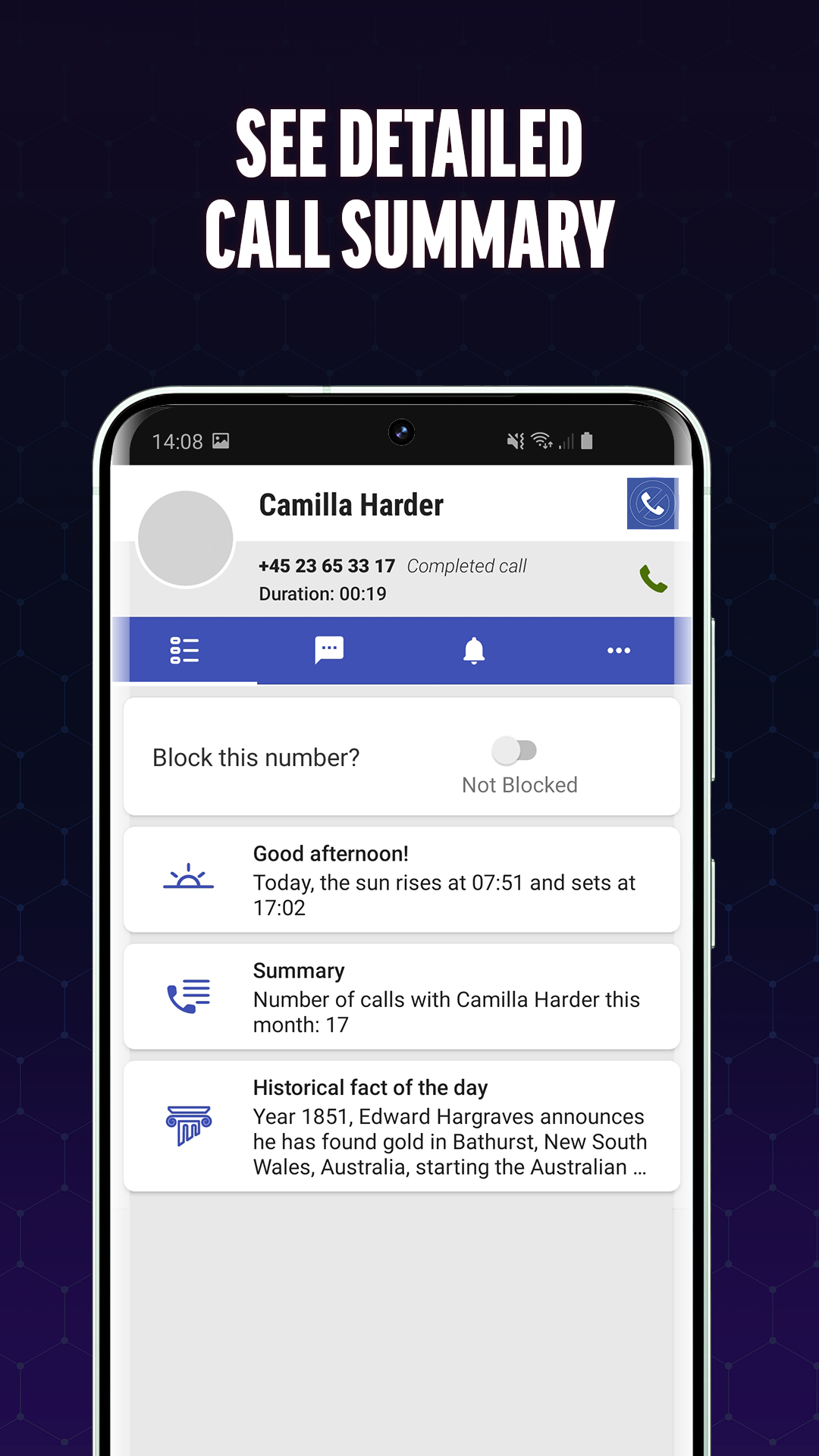
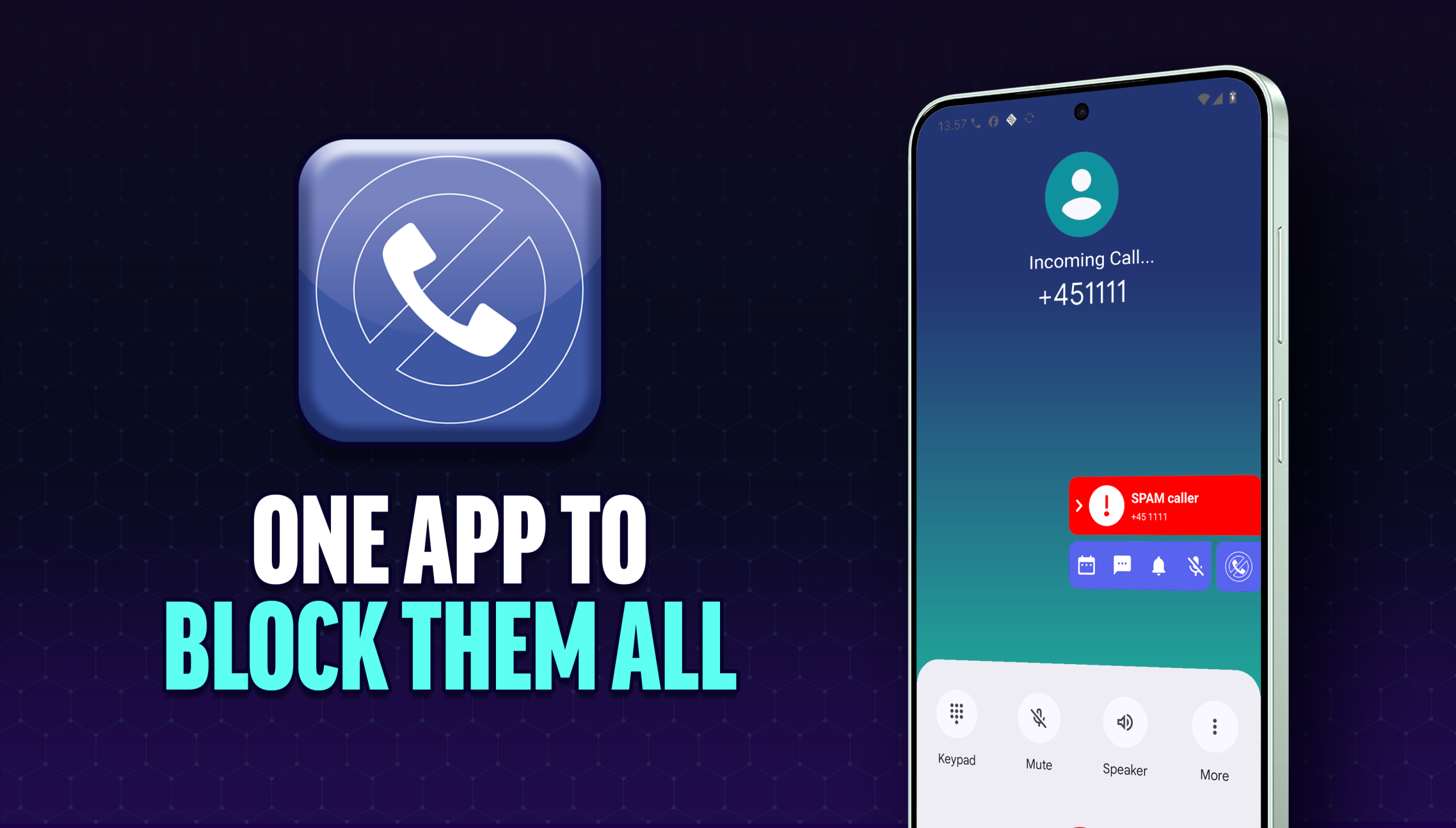
Take control of your phone calls with Call Blocker, the easy-to-use spam call blocker app for Android. Identify unknown callers, block unwanted numbers, and protect yourself from scam calls, robocalls, telemarketers, and fraudulent schemes.
Unlike many call-blocking apps, Call Blocker never blocks numbers automatically. After each call, you decide whether a number should be added to your personal block list. You stay in complete control of who can contact you.
Stop Spam Calls Before They Become a Problem ⛔
Spam calls, robocalls, and unwanted sales calls can interrupt your day and put your privacy at risk. Call Blocker helps you identify suspicious callers and quickly block numbers you no longer want to hear from.
Whether you’re dealing with telemarketers, scam callers, survey calls, or repeated nuisance calls, Call Blocker makes it simple to protect your time and peace of mind.
Key Features
Block Unwanted Calls
Easily block spam callers, telemarketers, scammers, and other unwanted numbers with a single tap.
Identify Unknown Callers
Get real-time caller identification for incoming calls so you can make informed decisions before returning a call or adding a number to your block list.
Create a Personal Blacklist
Build your own blacklist by adding individual phone numbers or blocking numbers that begin with specific digits. This gives you greater control over recurring spam patterns.
Scam Call Protection
Reduce the risk of phone scams by identifying suspicious callers and preventing repeat contact from known nuisance numbers.
Full User Control
You decide who gets blocked. Call Blocker never automatically blocks calls, ensuring you never miss important calls from legitimate contacts.
Block Numbers in Seconds
If a spam caller gets through, simply open the app and add the number to your blacklist. Future calls from that number can be blocked immediately, helping you maintain a cleaner and less disruptive calling experience.
The app’s intuitive interface makes managing blocked numbers fast and simple, even for users with little technical experience.
Caller ID for Unknown Numbers
Not sure who’s calling? Call Blocker helps identify unknown callers so you can decide whether to answer, ignore, or block the number.
Real-time caller identification helps you avoid unwanted interruptions and gives you more confidence when handling unfamiliar numbers.
Enjoy a Spam-Free Phone Experience
Call Blocker is designed to help Android users reduce spam calls, stop robocalls, block telemarketers, and manage unwanted contacts with ease.
Whether you’re looking for a spam call blocker, caller ID app, robocall blocker, or blacklist manager, Call Blocker provides the tools you need to stay in control of your phone.
Download Call Blocker today and enjoy fewer interruptions, better protection from scam calls, and a safer calling experience.
Frequently Asked Questions
What is Call Blocker?
Call Blocker is an Android app that helps you identify unknown callers and block unwanted phone numbers. It is designed to reduce spam calls, telemarketing calls, robocalls, scam calls, and other unwanted interruptions.
How does Call Blocker work?
After receiving a call, Call Blocker allows you to quickly review the number and decide whether to add it to your personal block list. The app also provides caller identification for unknown numbers to help you make informed decisions.
Does Call Blocker automatically block calls?
No. Call Blocker never automatically blocks phone numbers. You remain in full control and decide which numbers should be blocked.
Can I block spam calls?
Yes. You can add spam callers, robocalls, telemarketers, and scam numbers to your personal blacklist to prevent future interruptions.
How do I block a phone number?
Blocking a number is simple. Open Call Blocker, select the unwanted number from your call history, and add it to your blacklist with a single tap.
Can I block numbers that start with specific digits?
Yes. Call Blocker allows you to block phone numbers that begin with certain digits or prefixes, making it easier to stop groups of unwanted callers.
Can I view my blocked numbers?
Yes. The app includes a blacklist management section where you can view, edit, add, or remove blocked numbers whenever you want.
Ratings and reviews from Google Play
⭐⭐⭐⭐⭐
⭐⭐⭐⭐⭐
⭐⭐⭐⭐⭐
⭐⭐⭐⭐⭐