
Flash Alerts: Calls & Messages
5M+
downloads
4.6 stars
(13.1K reviews)
4.6 stars
(662 reviews)
50M+
downloads
Never Miss a Call, Message, or Notification Again
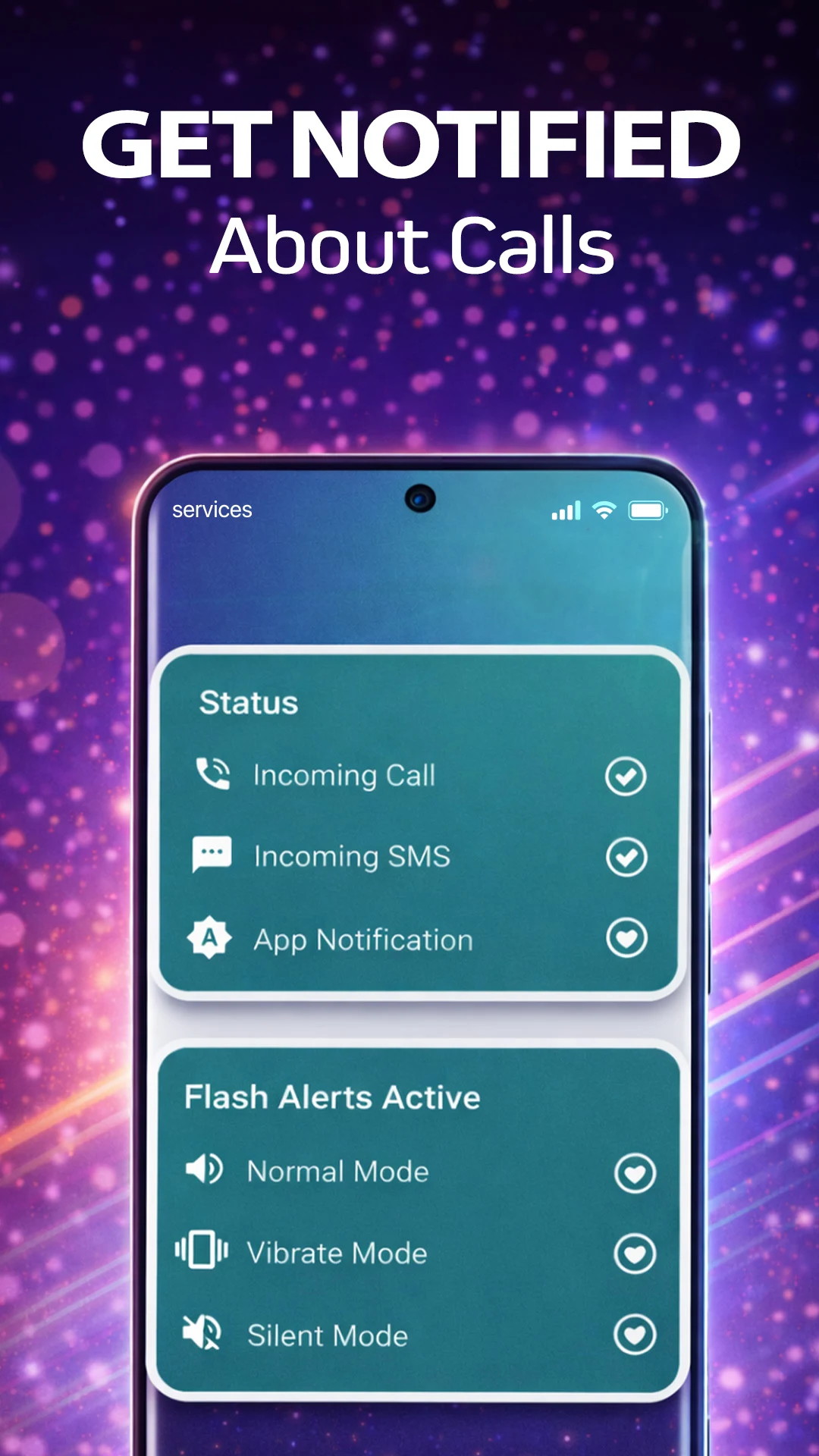
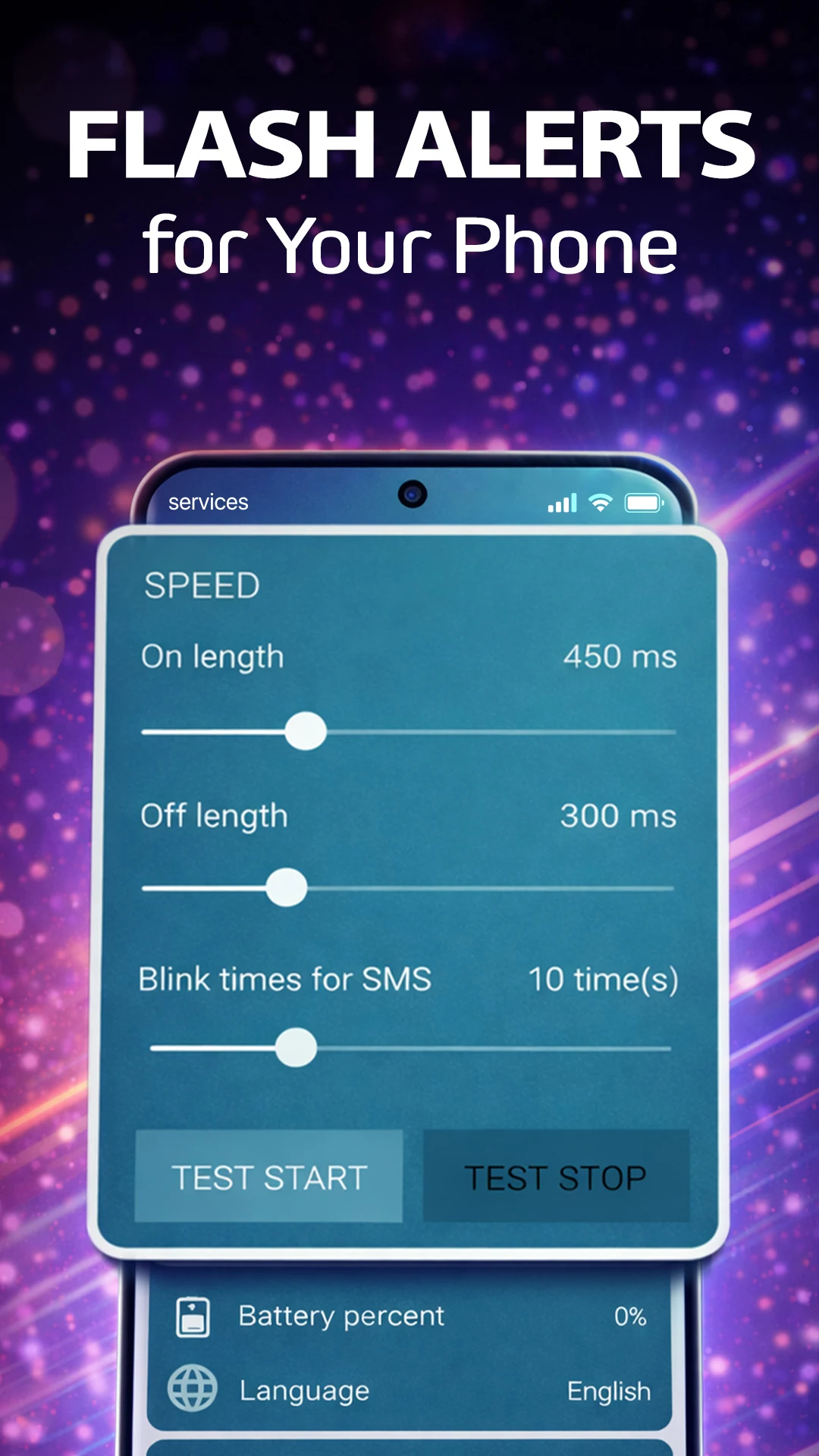
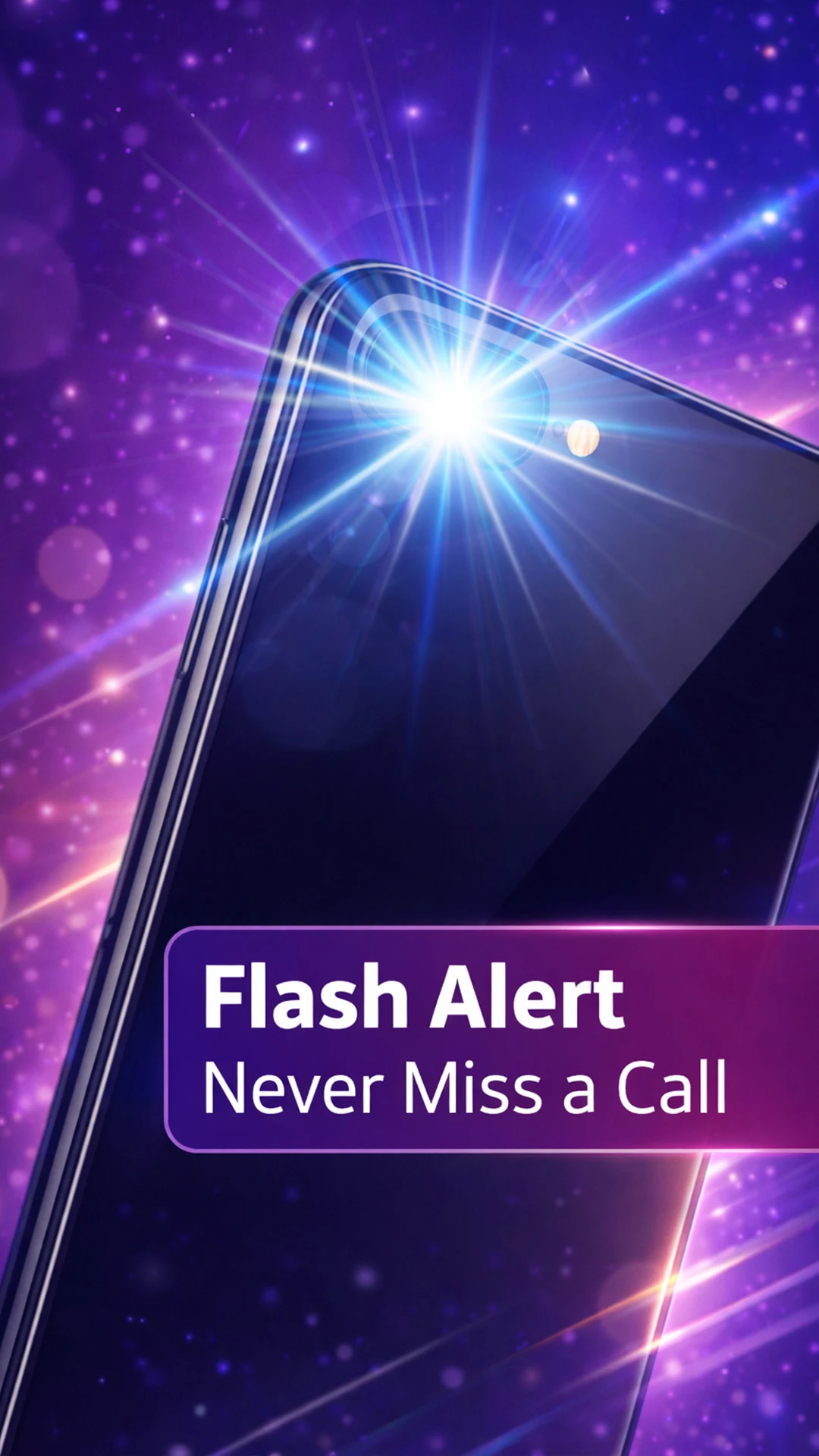
Flash Alerts: Calls & Messages helps you stay informed with visual notifications powered by your phone’s flashlight. When you receive a call, text message, or app notification, your phone’s LED flashlight can flash to alert you, even when your device is on silent or vibration mode.
Whether you’re in a noisy environment, have your phone muted, or simply prefer visual alerts, Flash Alerts helps ensure you never miss important communications.
What Is Flash Alerts?
Flash Alerts is a visual notification app that uses your phone’s flashlight to notify you about incoming calls, SMS messages, and app notifications.
Instead of relying solely on sound or vibration, Flash Alerts provides a bright visual signal whenever someone tries to contact you.
The app is designed for people who:
- Keep their phone on silent
- Work in noisy environments
- Prefer visual notifications
- Need additional accessibility support
- Want more control over phone alerts
Key Features
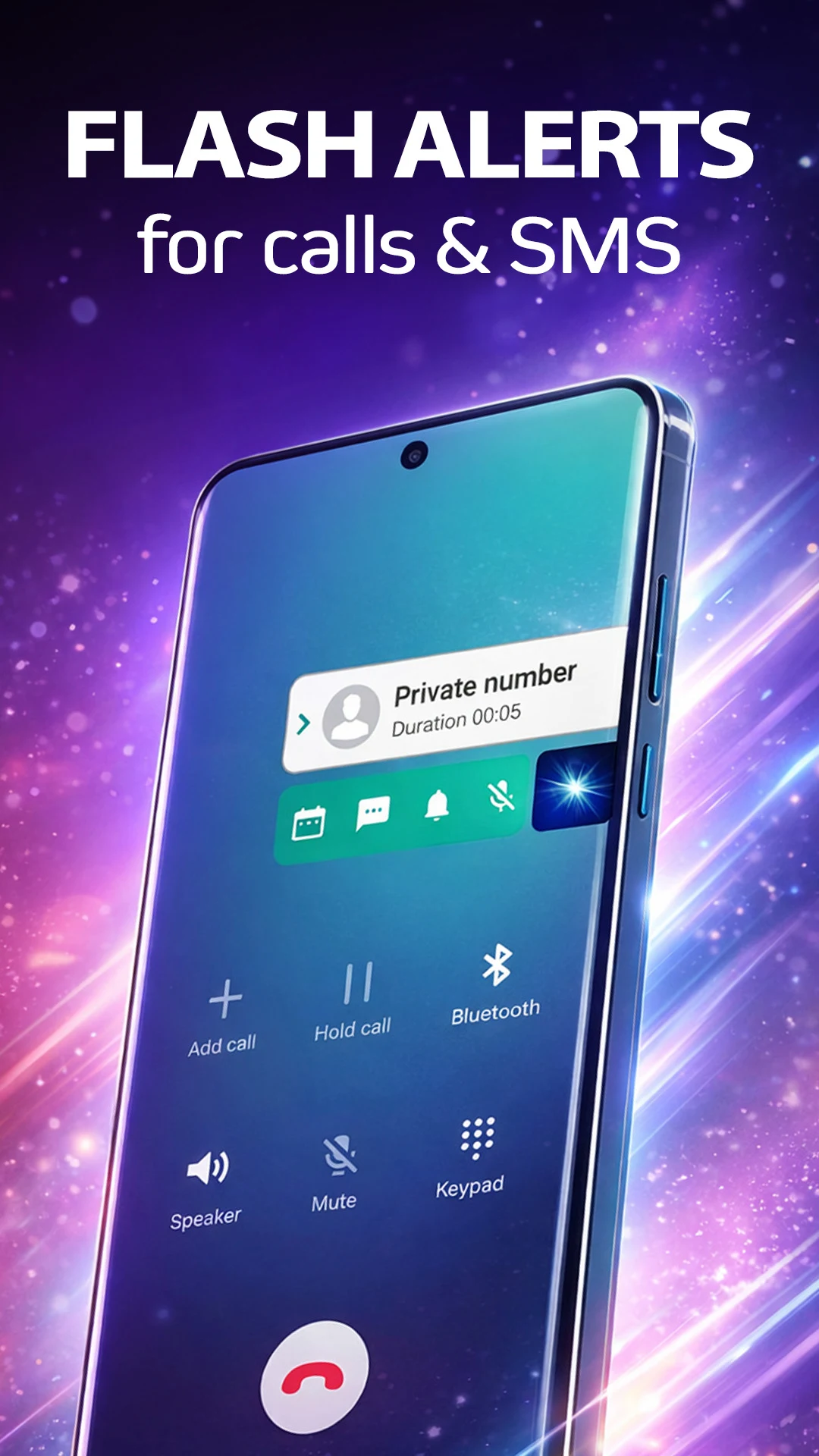
Flash Alerts for Incoming Calls
Receive flashlight notifications whenever someone calls you. The LED flashlight flashes to help you notice incoming calls even when your ringtone is turned off.
Flash Alerts for Text Messages
Get visual alerts for incoming SMS messages. Customize the number of flashes to create a notification style that works for you.
Flash Notifications for Apps
Choose to receive flashlight notifications from supported apps and stay informed about important updates.
Caller Identification
Identify incoming calls in real time and view useful caller information directly from the app.
Custom Flash Settings
Personalize how Flash Alerts work by adjusting:
- Flash duration
- Flash intervals
- Number of flashes
- Alert behavior for different notification types
Works with Silent and Vibrate Modes
Keep your phone on silent while still receiving visual notifications through the flashlight.
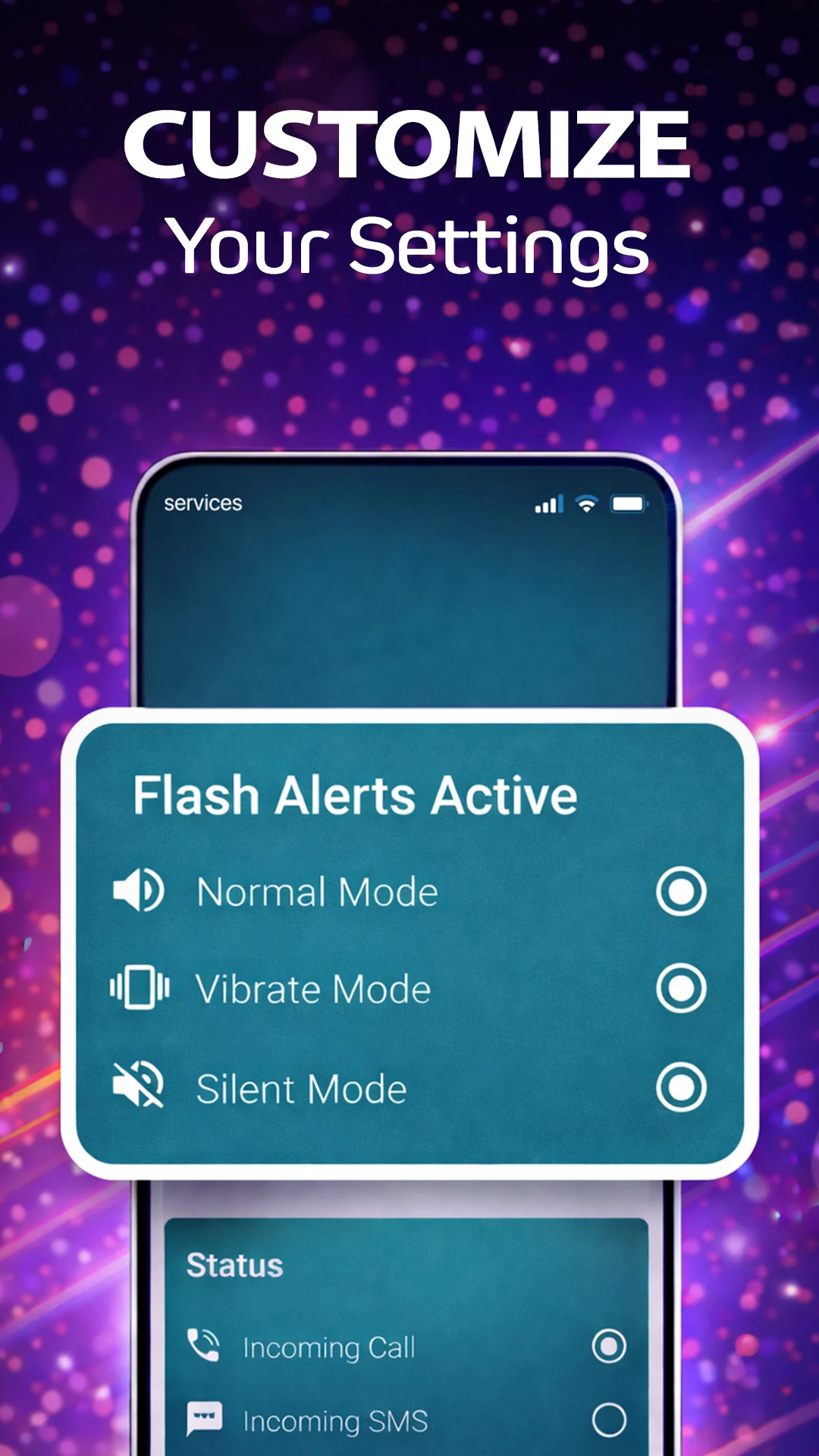
You can choose to activate flash alerts for:
- Normal mode
- Silent mode
- Vibrate mode
- Any combination of the above
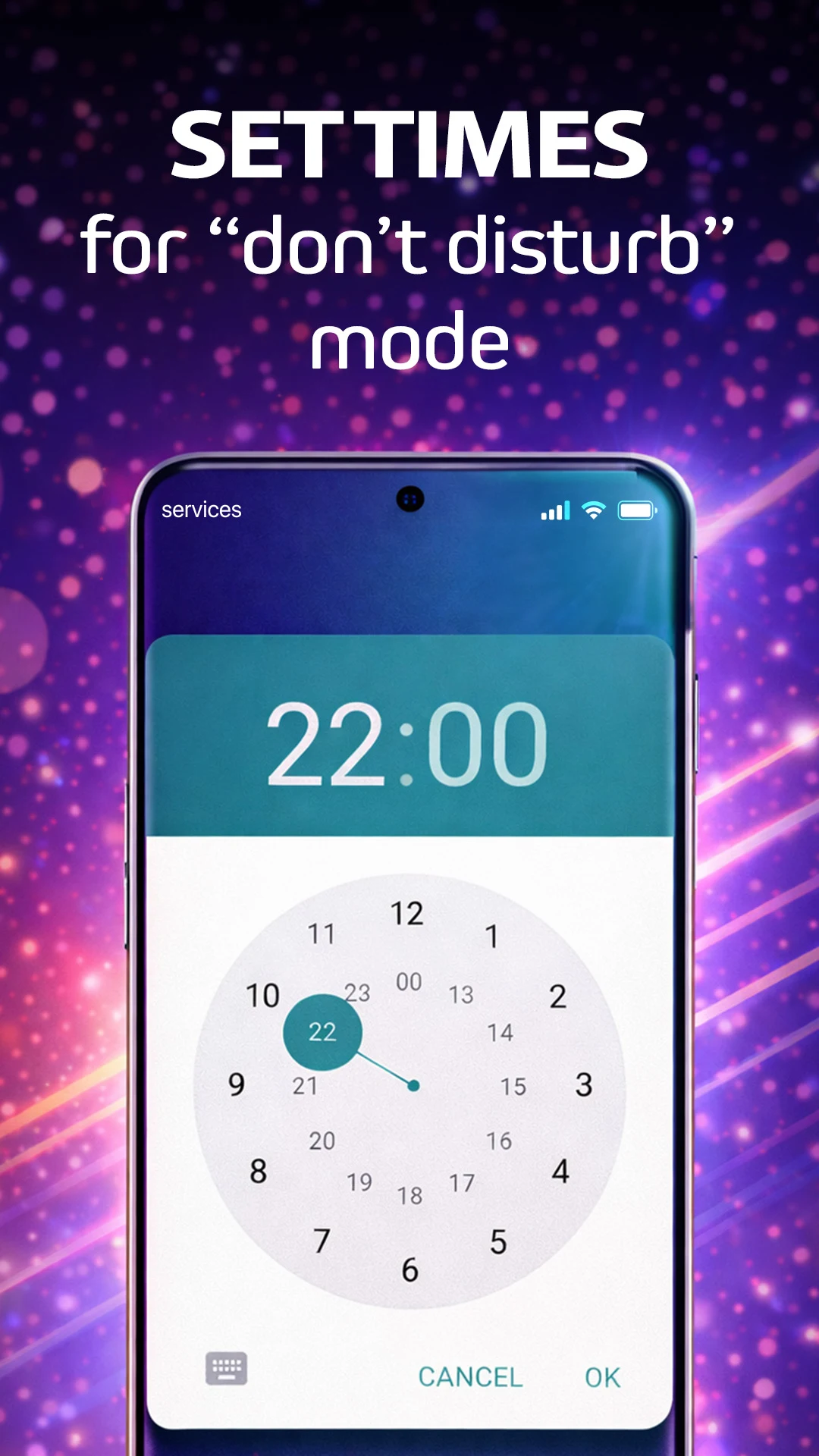
Do Not Disturb Scheduling
Set specific times when you do not want flash alerts to activate. This allows you to maintain uninterrupted sleep, meetings, or personal time without manually turning the feature on and off.
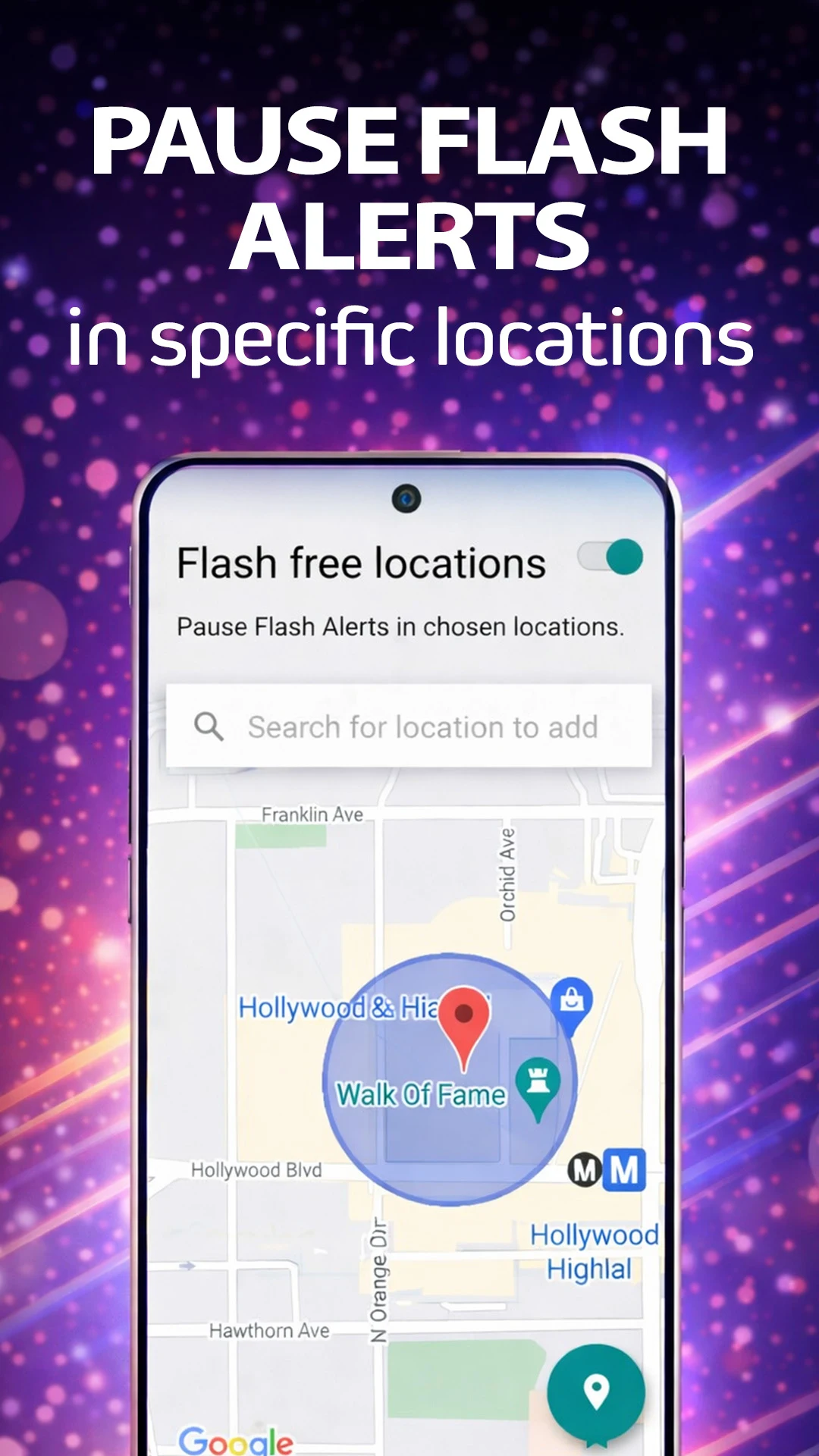
Flash-Free Locations
Pause flash alerts automatically in selected locations such as:
- Workplaces
- Schools
- Theaters
- Cinemas
- Libraries
- Meeting rooms
The app can recognize your preferred locations and disable visual alerts when appropriate.
Screen-On Controls
Choose whether flash alerts remain active when your phone screen is already turned on.
Why Use Flash Alerts?
Many people miss important calls or messages because:
- Their phone is on silent
- They cannot hear notifications
- The environment is too noisy
- Vibrations go unnoticed
- The phone is in a bag or on a desk
Flash Alerts adds a visual layer of communication, helping you notice important notifications more quickly.
Perfect for Silent Mode
Flash Alerts is especially useful when your phone is muted.
Instead of relying on sound, your phone’s flashlight becomes a visual notification system that helps you stay connected without disturbing others around you.
Accessibility-Friendly Notifications
Visual alerts can be a valuable accessibility tool for users who prefer visual notifications or who have difficulty hearing traditional ringtones and notification sounds.
By combining flashlight notifications with standard phone alerts, Flash Alerts provides additional awareness of incoming communications.
Customize Your Notification Experience
Everyone uses their phone differently. Flash Alerts gives you flexibility to customize exactly how you receive notifications.
You can decide:
- Which events trigger flash alerts
- How often the flashlight flashes
- How long each flash lasts
- When alerts are active
- Where alerts should be disabled
This allows you to create a notification experience that matches your daily routine.
Frequently Asked Questions
What is Flash Alerts?
All Email Access is an email management app that allows users to access and manage multiple email accounts from a single app.
Can I use flash alerts for calls?
Yes. The app can flash your phone’s LED light whenever you receive an incoming call.
Can I receive flash notifications for text messages?
Yes. Flash Alerts supports visual notifications for SMS messages and allows you to customize the number of flashes.
Does Flash Alerts work when my phone is on silent?
Yes. Flash Alerts is designed to provide visual notifications even when your phone is in silent mode.
Can I customize how the flashlight flashes?
Yes. You can adjust flash duration, intervals, and notification behavior.
Can I disable flash alerts in certain locations?
Yes. The Flash-Free Locations feature allows you to pause alerts automatically in selected places.
Is there a Do Not Disturb mode?
Yes. You can schedule periods when flash alerts should remain inactive.
Stay Connected with Visual Notifications
Whether you’re working, studying, traveling, or keeping your phone on silent, Flash Alerts: Calls & Messages helps you stay aware of incoming calls, messages, and notifications through powerful visual alerts.
Download Flash Alerts today and never miss an important notification again.
Ratings and reviews from Google Play
⭐⭐⭐⭐⭐
⭐⭐⭐⭐⭐
⭐⭐⭐⭐⭐
⭐⭐⭐⭐⭐