

Notes – Smart Notepad, Reminders & Call Notes
10M+
downloads
4.4 stars
(662 reviews)
4.6 stars
(662 reviews)
50M+
downloads
Call Blocker – Block Spam Calls and Unwanted Numbers
Take control of your phone calls with Call Blocker, the easy-to-use spam call blocker app for Android. Identify unknown callers, block unwanted numbers, and protect yourself from scam calls, robocalls, telemarketers, and fraudulent schemes.
Unlike many call-blocking apps, Call Blocker never blocks numbers automatically. After each call, you decide whether a number should be added to your personal block list. You stay in complete control of who can contact you.
A Simple and Powerful Note-Taking App
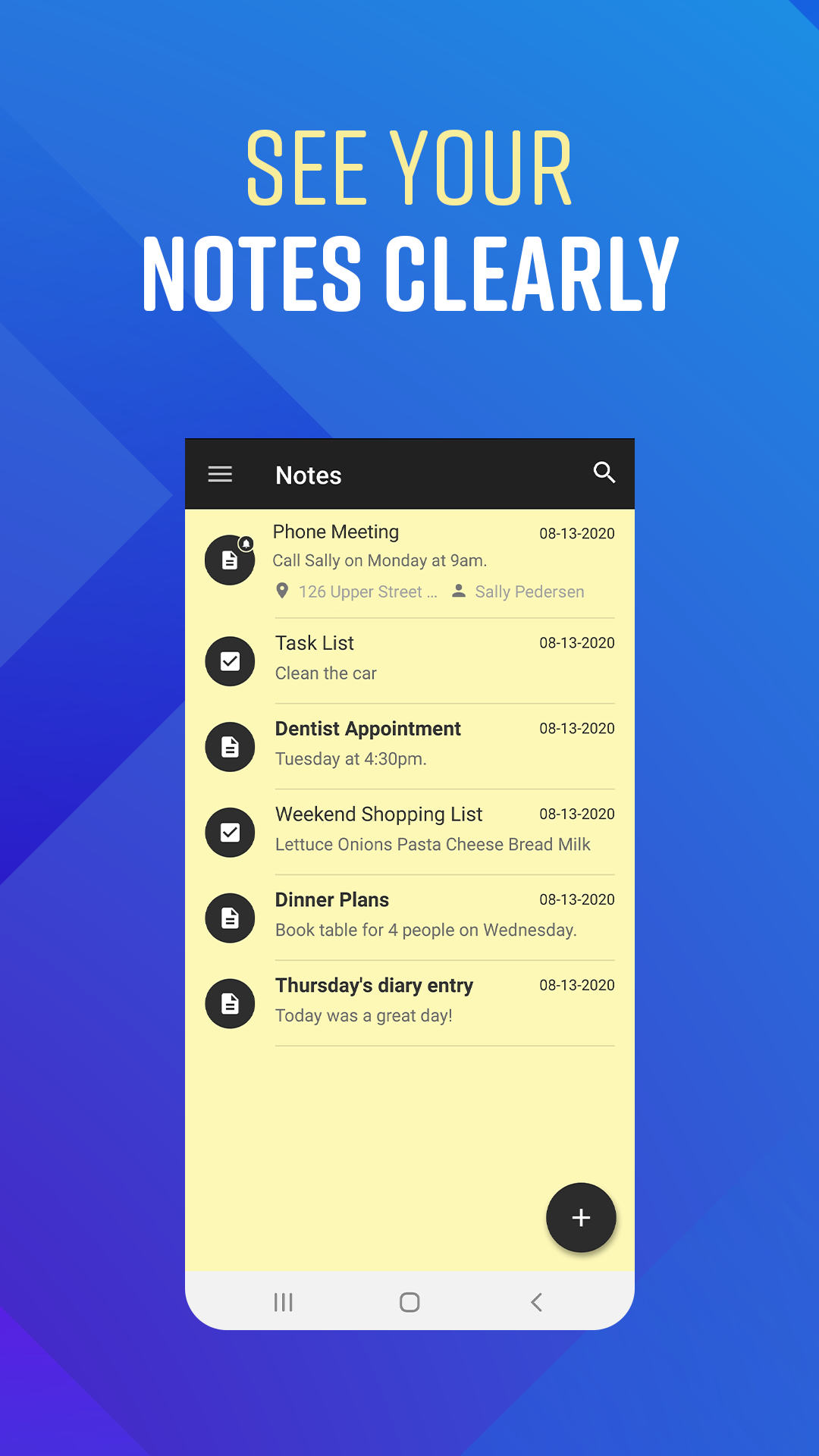
Notes combines a clean, user-friendly design with advanced features that help you manage information more effectively.
Create notes in seconds, organize your thoughts, search through your saved notes, and share information easily with friends, family, or colleagues.
The app is designed for anyone who needs a reliable digital notebook for personal tasks, work projects, shopping lists, meeting notes, or everyday reminders.
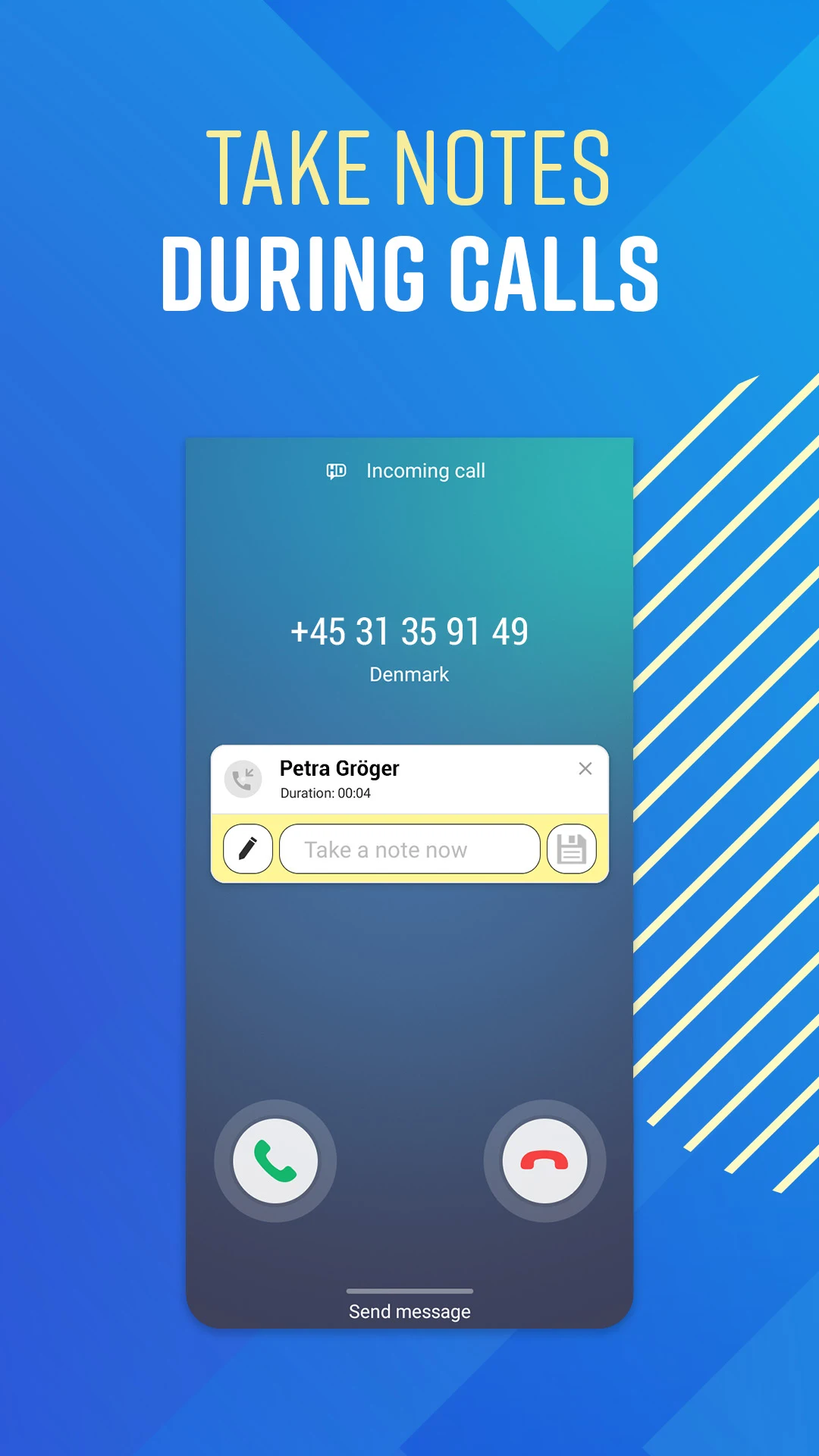
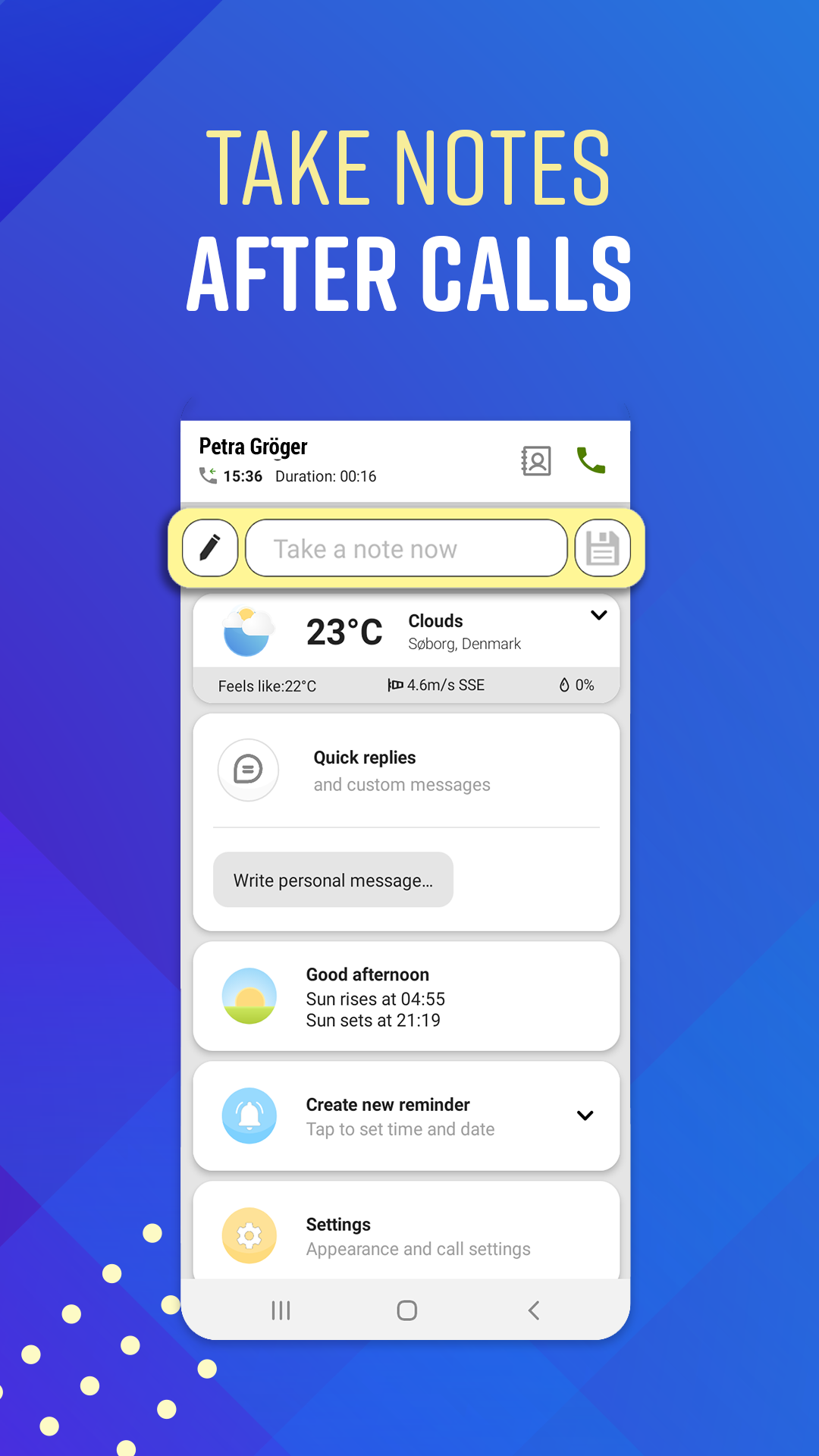
Take Notes After Phone Calls
Never forget important information from a conversation again.
Notes provides a convenient after-call note-taking experience that allows you to record important details immediately after a phone call. After ending a call, you can quickly create notes related to the conversation while the information is still fresh in your mind.
This makes Notes ideal for professionals, business owners, customer service teams, sales representatives, and anyone who regularly communicates by phone.
Link Notes to Contacts
Attach notes directly to contacts on your phone and receive helpful reminders after future calls.
When a linked contact calls you, Notes can display relevant information connected to previous conversations, helping you remember important topics, follow-up tasks, or discussion points.
This smart contact note feature helps you stay prepared and maintain better communication with customers, clients, colleagues, friends, and family.
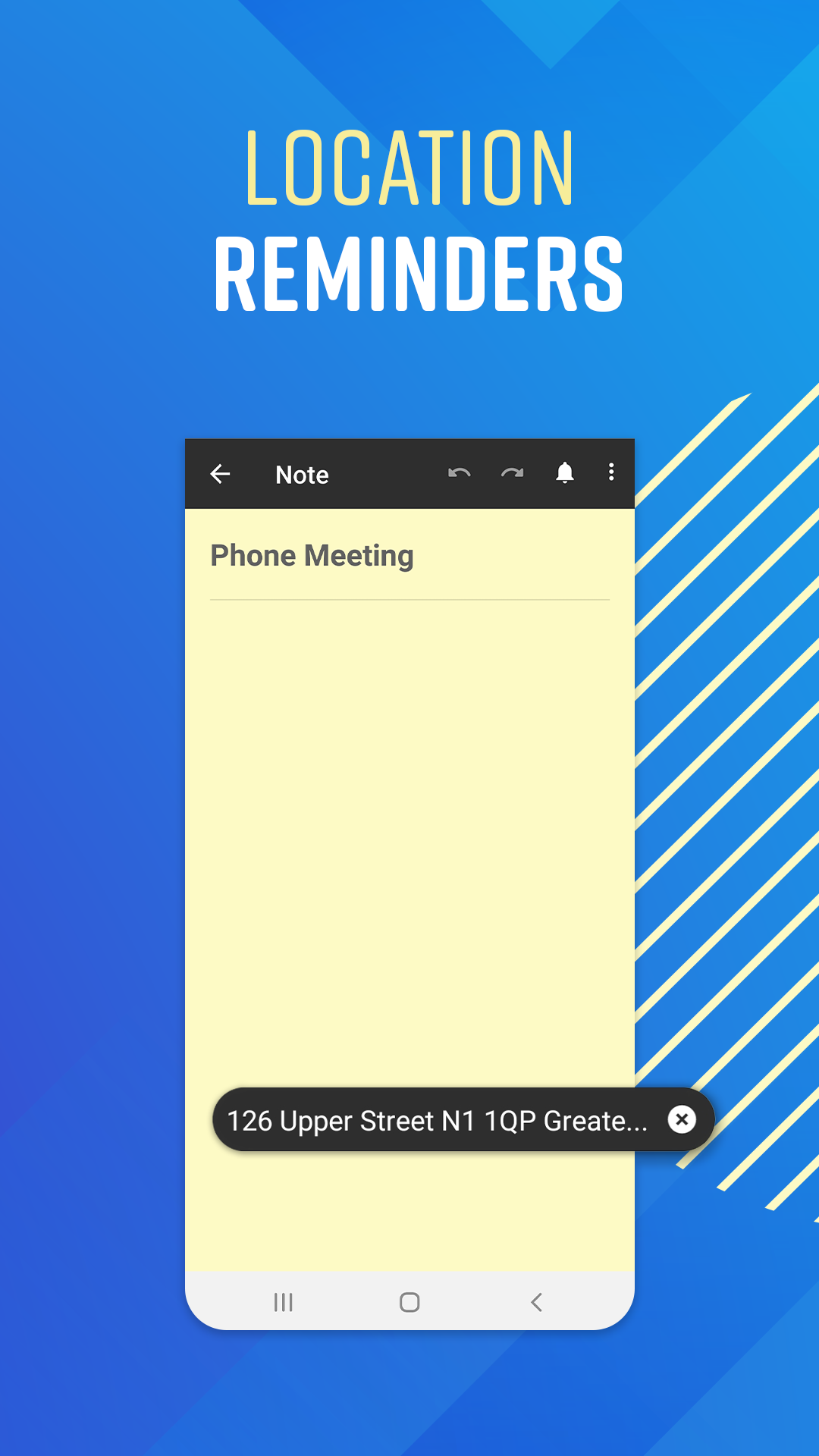
Location-Based Reminders
Create notes that remind you at the right place and time.
With location reminders, you can attach a specific location to any note and receive a notification when you arrive there.
Examples include:
- Reminders when you arrive at work
- Shopping lists when you reach a store
- Tasks to complete when you get home
- Meeting notes when arriving at an office
- Travel reminders for specific destinations
Location-aware reminders help ensure important tasks are never forgotten.
Powerful Organization Features
Search Notes Instantly
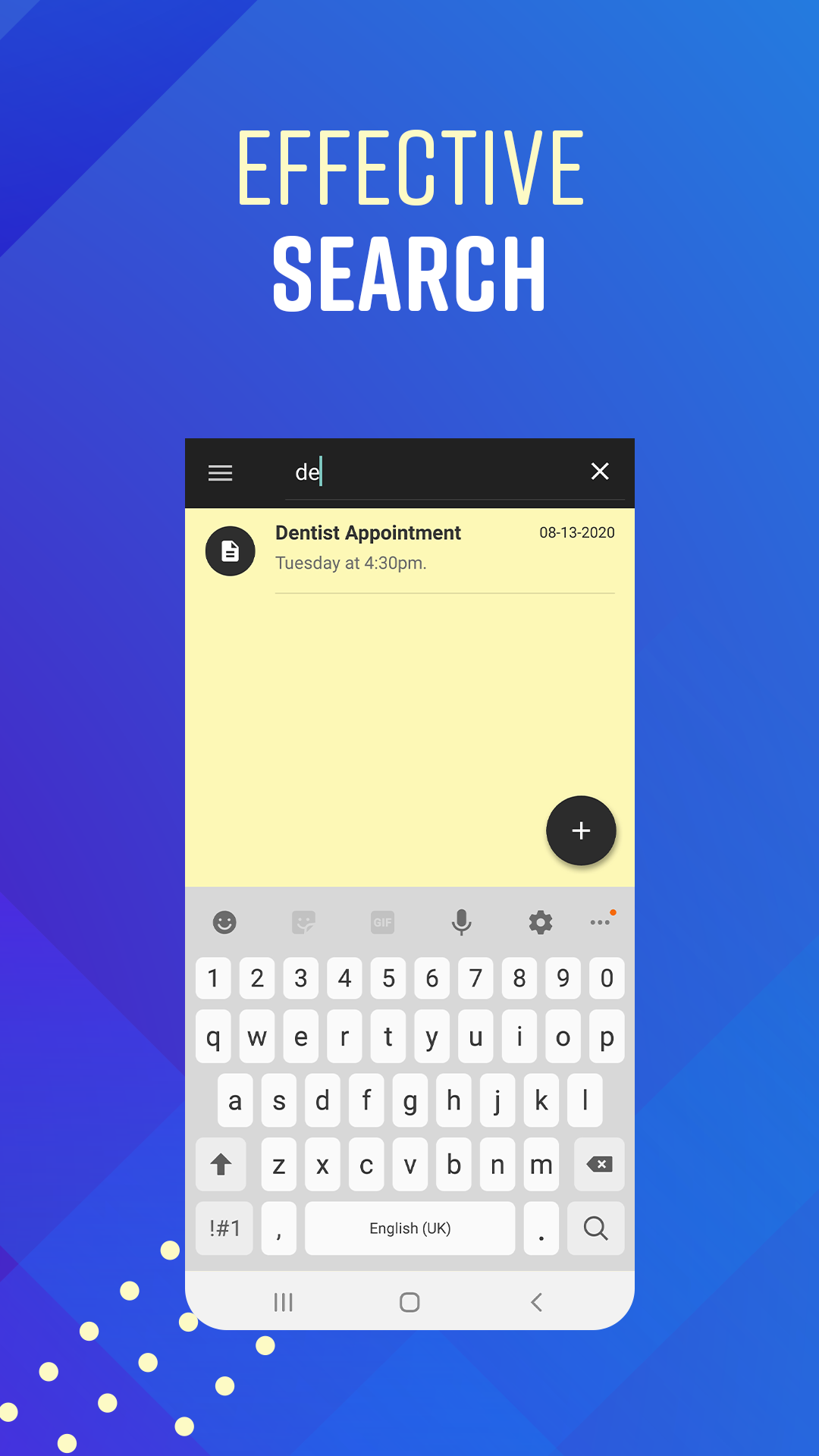
Quickly find saved notes using the built-in search feature. Whether you have dozens or thousands of notes, finding important information is fast and easy.
Undo and Redo Changes
Made a mistake? Undo and redo buttons allow you to quickly recover edits and continue writing without worry.
Recover Deleted Notes
Accidentally deleted a note? Deleted notes can be restored for up to 9 days, helping protect important information from accidental loss.
Share Notes Easily
Share notes, checklists, ideas, and reminders across multiple apps and communication platforms with just a few taps.
Backup and Restore Your Notes
Protect your information with secure backup and restore functionality.
Notes supports Google Drive backup, allowing you to save your notes and restore them when changing devices or recovering lost data.
Privacy First
Your notes belong to you.
We do not have access to your notes and do not store the content of your personal information on our servers. To help protect against accidental data loss, we recommend regularly using the backup feature.
Key Features
- Fast and easy note-taking
- Smart after-call notes
- Contact-linked notes and reminders
- Location-based reminders
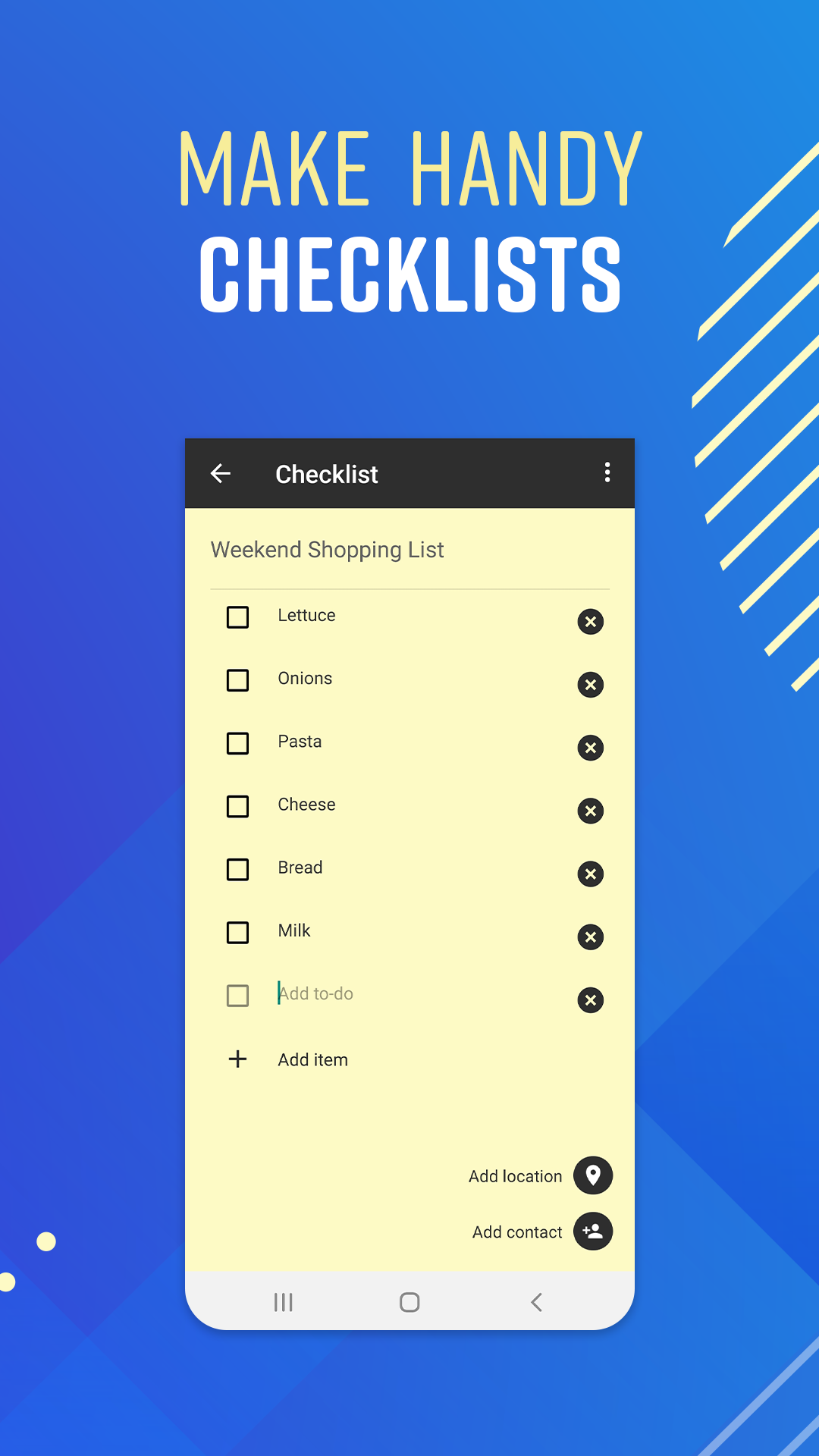
- To-do lists and checklists
- Note search functionality
- Undo and redo support
- Deleted note recovery for up to 9 days
- Share notes across apps
- Google Drive backup and restore
- Privacy-focused design
- User-friendly Android experience
Download Notes today and keep your ideas, tasks, reminders, and important conversations organized in one powerful note-taking app.
Frequently asked questions
Is Notepad available for Android?
Yes. Notepad is available for Android devices through Google Play.
Can I create checklists and to-do lists?
Yes. Notepad includes checklist functionality that helps you manage tasks and daily activities.
Can I organize notes by category?
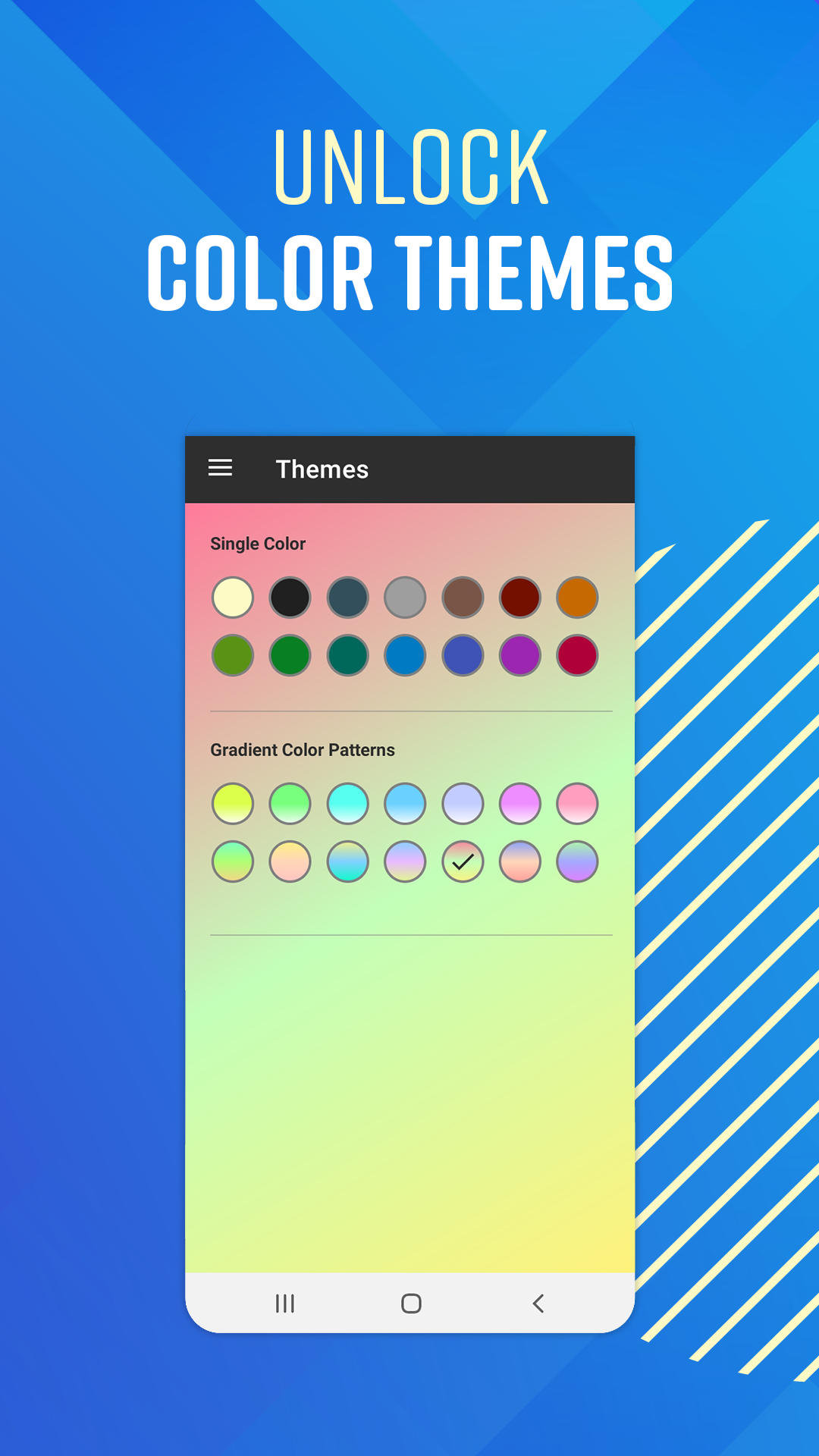
Yes. Notes can be organized using colors for quick visual categorization.
Can I share notes with others?
Yes. Notes can be shared directly from the app.
Does Notepad support backups?
Yes. Backup and restore options are available to help protect your data.”
Ratings and reviews from Google Play
⭐⭐⭐⭐⭐
⭐⭐⭐⭐⭐
⭐⭐⭐⭐⭐
⭐⭐⭐⭐⭐