
Voice Recorder: Memos & Audio
5M+
downloads
4.5 stars
(28.8K reviews)
4.6 stars
(662 reviews)
50M+
downloads
Record, Transcribe, and Organize Your Voice Notes.
Voice Recorder: Memos & Audio is an easy-to-use voice recording app designed for capturing meetings, lectures, interviews, voice memos, ideas, and everyday conversations. Record high-quality audio, convert speech to text, generate summaries, and keep your recordings organized in one place.
Whether you’re a student, professional, journalist, creator, or simply someone who prefers speaking over typing, Voice Recorder helps you capture important information whenever inspiration strikes.
Why Choose Voice Recorder?
Voice Recorder is more than a simple audio recorder. It combines high-quality recording tools with AI-powered transcription and organization features to help you save time and stay productive.
With Voice Recorder, you can:
- Record voice memos instantly
- Capture meetings, interviews, and lectures
- Convert audio recordings into text
- Generate summaries from recordings
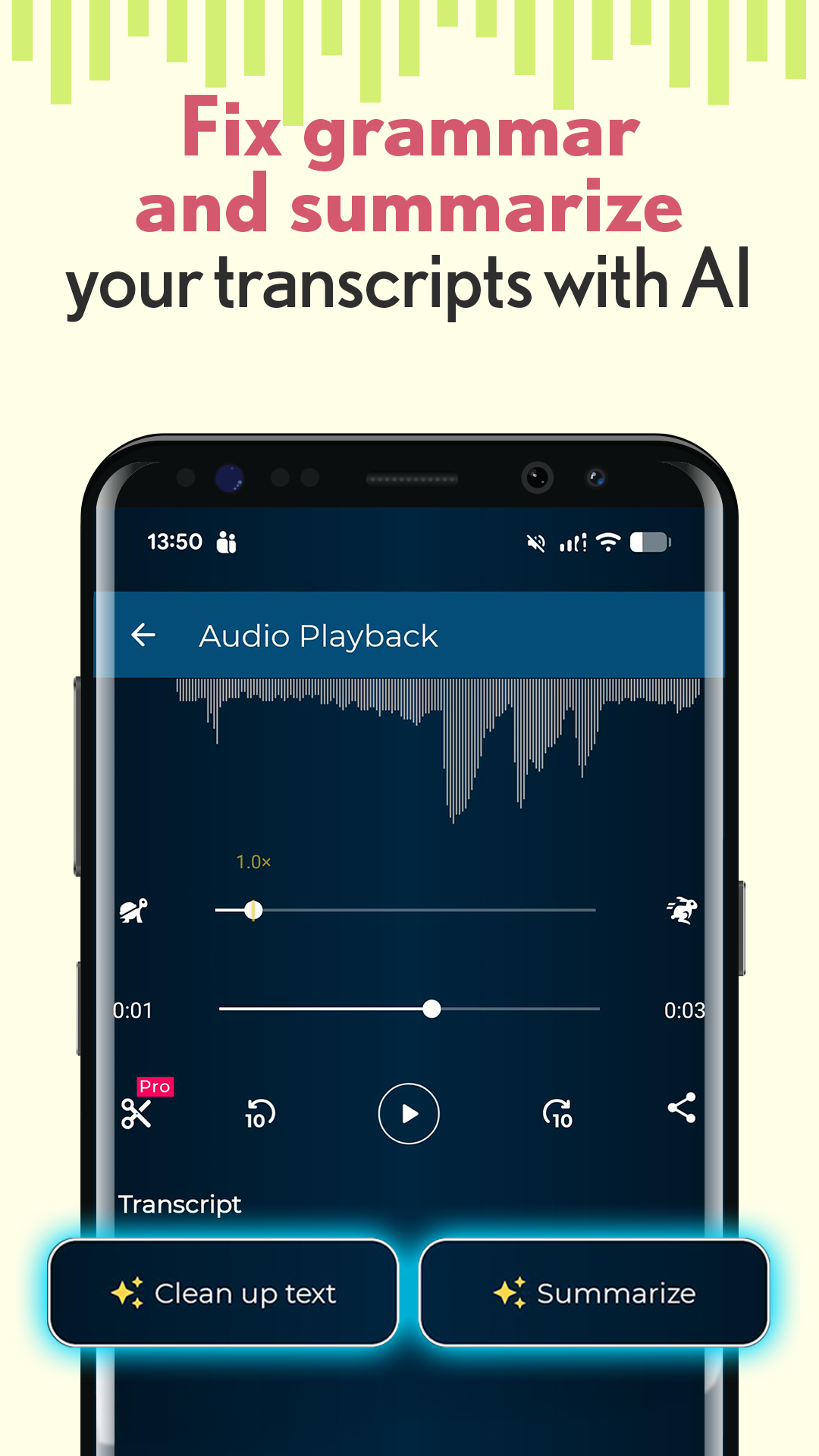
- Clean up transcriptions automatically
- Share recordings easily
- Organize recordings for quick access
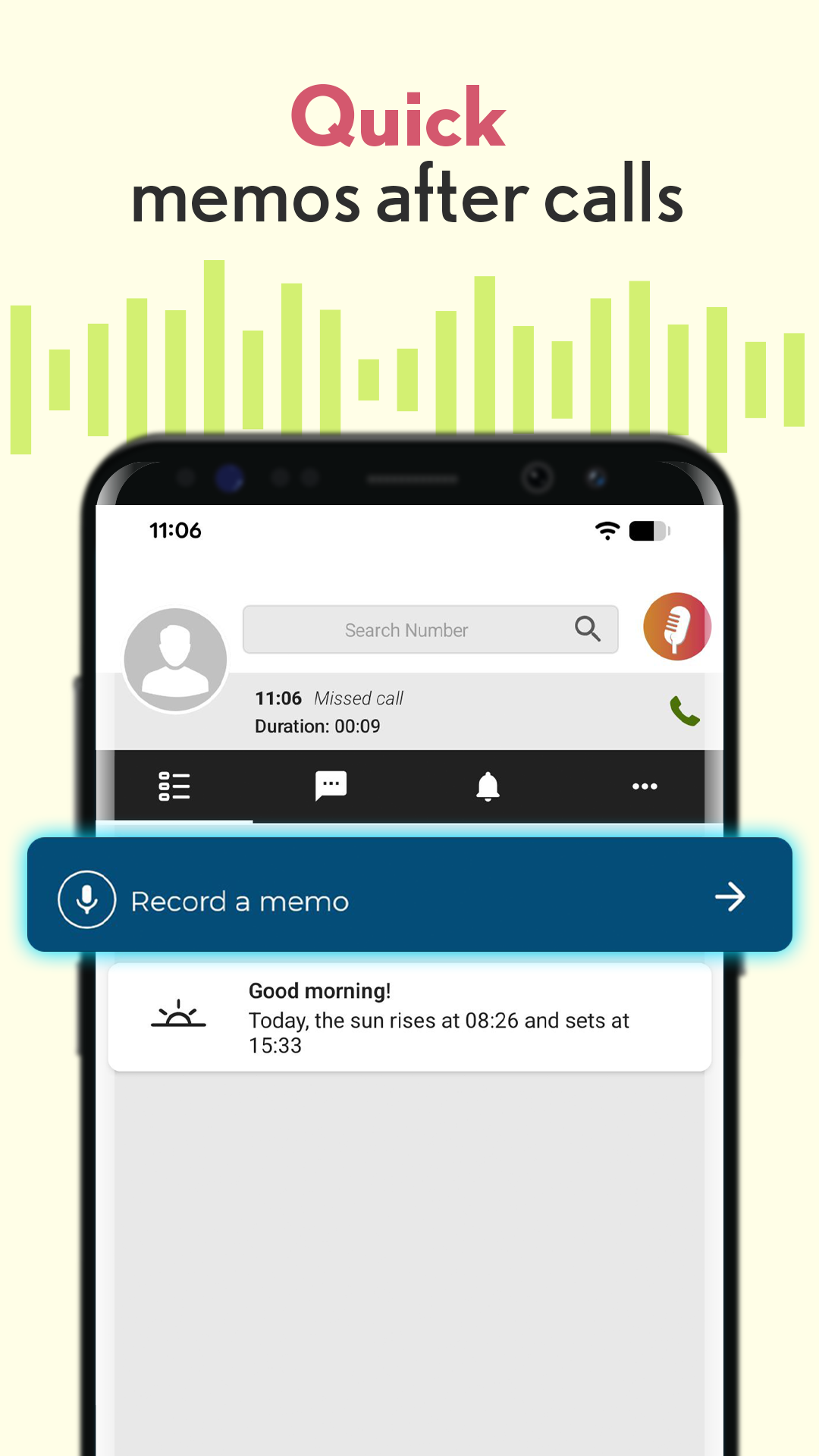
- Record reminders after phone calls
Key Features
High-Quality Voice Recording
Record voice notes, conversations, lectures, interviews, presentations, and personal reminders with a single tap. Voice Recorder delivers reliable audio recording whenever you need it.
Speech-to-Text Transcription
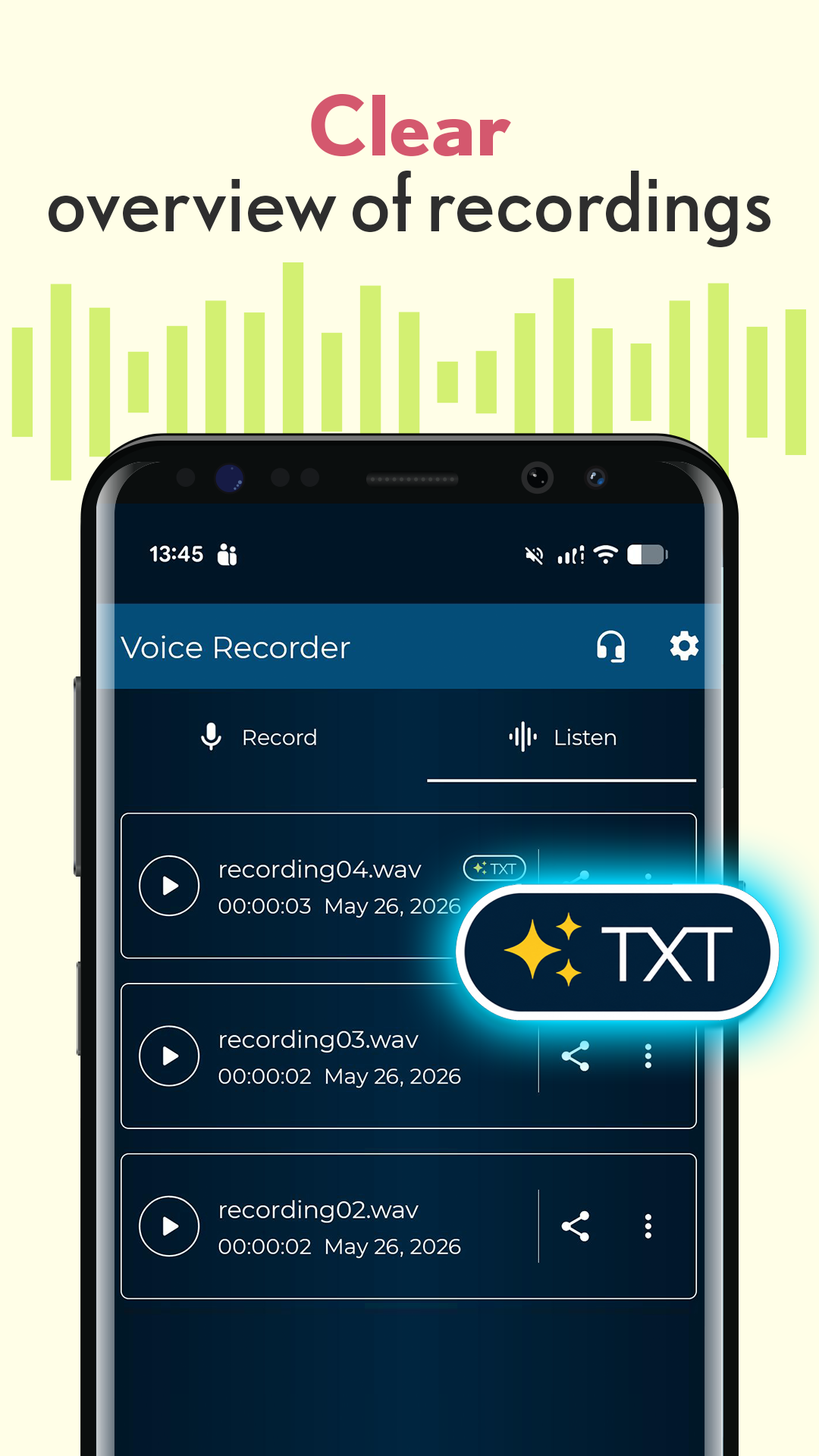
Automatically convert recorded audio into text. Quickly review conversations, meeting notes, lectures, and interviews without replaying long recordings.
AI-Powered Text Cleanup
Transform rough transcriptions into cleaner, more readable text. Correct grammar, improve clarity, and create concise notes from recorded conversations.
Automatic Recording Summaries
Save time with AI-generated summaries. Instead of reading lengthy transcripts, quickly understand the key points and action items from your recordings.
Smart Silence Detection
Voice Recorder can automatically pause recording when silence is detected and resume when speech continues. This helps reduce unnecessary audio, save storage space, and create cleaner recordings.
Adjustable Audio Settings
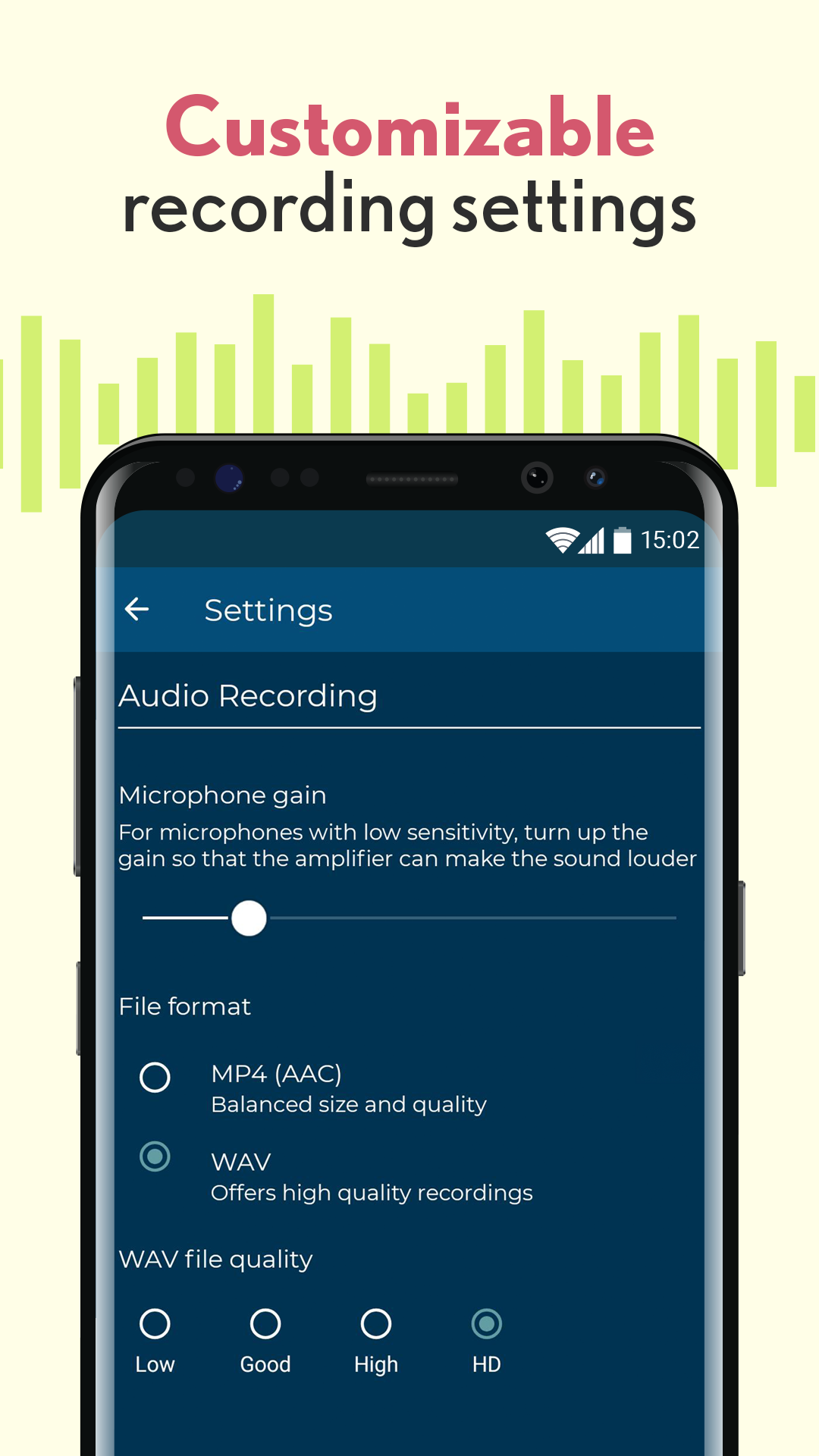
Customize your recording experience with settings such as microphone gain and audio quality to achieve the best possible results in different environments.
Easy Recording Organization
Save, rename, organize, and manage your recordings with ease. Keep important voice notes, meetings, and interviews accessible whenever you need them.
Share Audio Recordings Instantly
Send recordings to colleagues, classmates, friends, or family using your preferred sharing methods.
Custom Ringtones and Notifications
Use your recordings as personalized ringtones, notification sounds, or alarms directly from the app.
Perfect for Meetings, Interviews, and Lectures
Voice Recorder is ideal for capturing important information in professional and educational settings.
Record Meetings
Capture discussions, brainstorming sessions, and action items without worrying about taking notes in real time.
Record Interviews
Record interviews with clear audio and quickly generate transcripts for review and analysis.
Record Lectures and Classes
Students can focus on learning while Voice Recorder captures lessons for later review and note-taking.
Record Personal Voice Memos
Save ideas, reminders, shopping lists, creative thoughts, and daily notes with one tap.
Voice Notes After Phone Calls
Voice Recorder includes a convenient post-call recording feature that helps you remember important details from conversations.
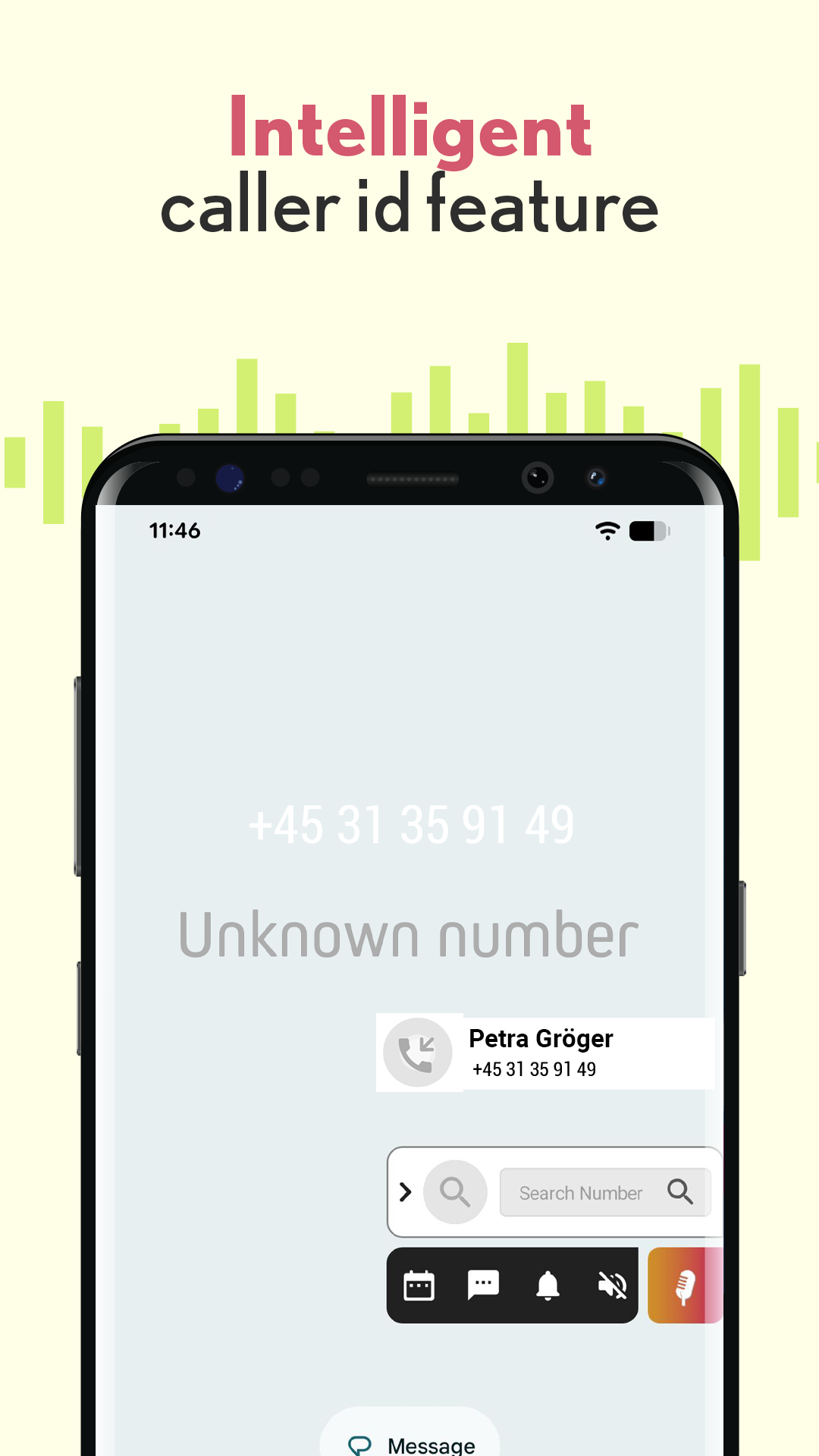
After a call ends, you can instantly record a voice reminder about what was discussed. Caller information can be included in the recording title, making it easier to organize and revisit important conversations later.
This feature is especially useful for:
- Business calls
- Client conversations
- Appointment scheduling
- Sales follow-ups
- Personal reminders
Improve Productivity With AI Transcription
Many people spend hours replaying recordings to find important information. Voice Recorder helps reduce that effort by turning speech into searchable text and generating concise summaries.
Instead of listening to an hour-long recording, you can:
- Read the transcript
- Review the summary
- Identify action items
- Find important details faster
Who Uses Voice Recorder?
Voice Recorder is designed for:
- Professionals and business users
- Students and educators
- Journalists and researchers
- Content creators and podcasters
- Sales teams and consultants
- Anyone who records voice notes regularly
What is Voice Recorder?
Voice Recorder is an audio recording and transcription app that allows users to record voice memos, meetings, lectures, interviews, and conversations while also converting recordings into text.
Can Voice Recorder transcribe audio?
Yes. The app includes speech-to-text transcription that automatically converts recordings into written text.
Can I summarize my recordings?
Yes. Voice Recorder can generate summaries from transcriptions, making it easier to review important information.
Can I record meetings and interviews?
Yes. Voice Recorder is designed for recording meetings, interviews, lectures, presentations, and voice notes.
Does the app detect silence automatically?
Yes. Voice Recorder includes an optional silence detection feature that automatically pauses recording during periods of silence.
Can I share my recordings?
Capture Every Important Conversation
Ratings and reviews from Google Play
⭐⭐⭐⭐⭐
⭐⭐⭐⭐⭐
⭐⭐⭐⭐⭐
⭐⭐⭐⭐⭐